Scratch
Beginner
60 mins
Teacher/Student led
+100 XP
 Chromebooks, laptops, and PCs are crucial tools for coding and digital skills education. Chromebooks are ideal for web-based applications and collaborative projects, while laptops and PCs support a wider range of programming environments and software for more intensive tasks like software development and data analysis.
Snowman Run
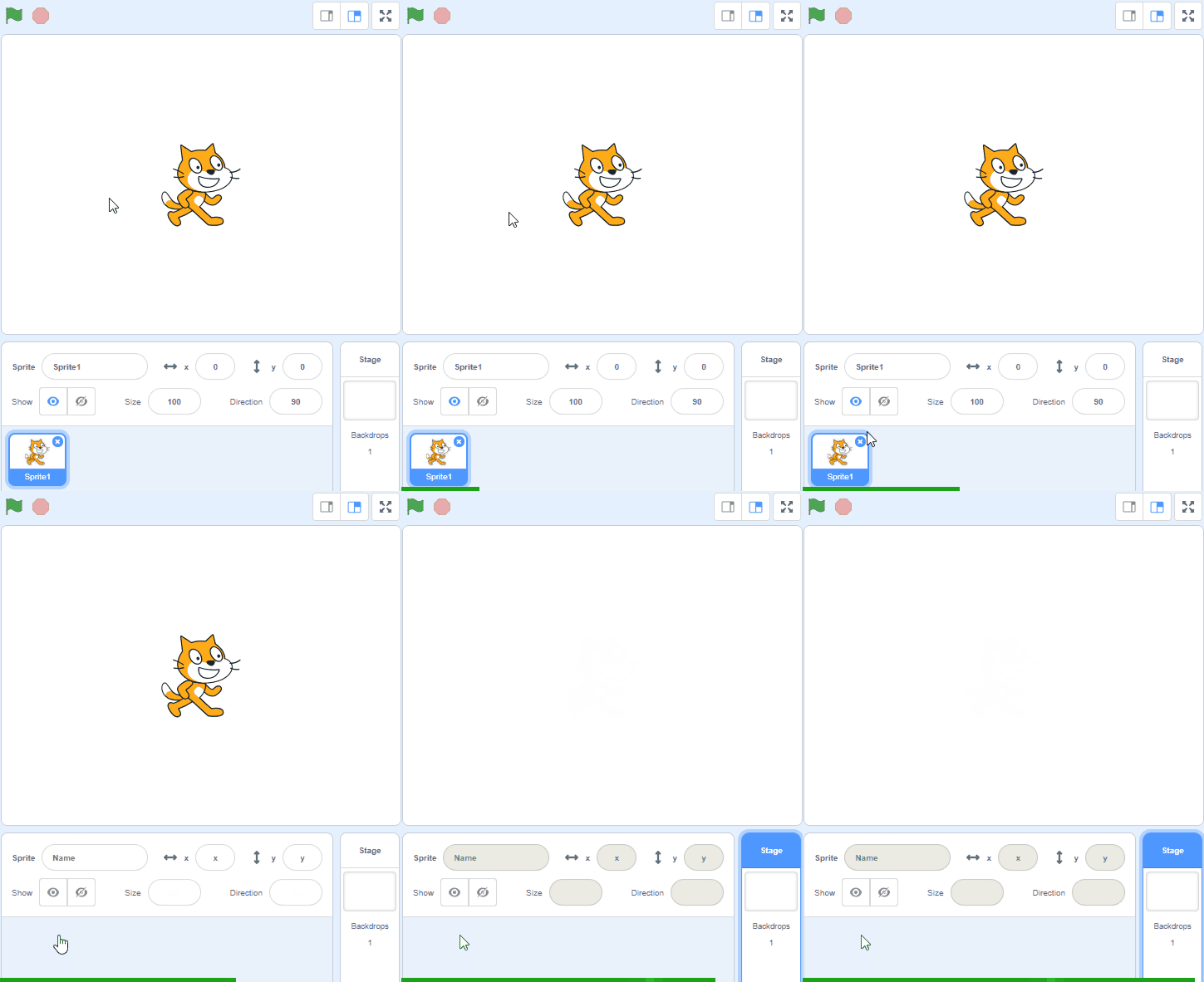
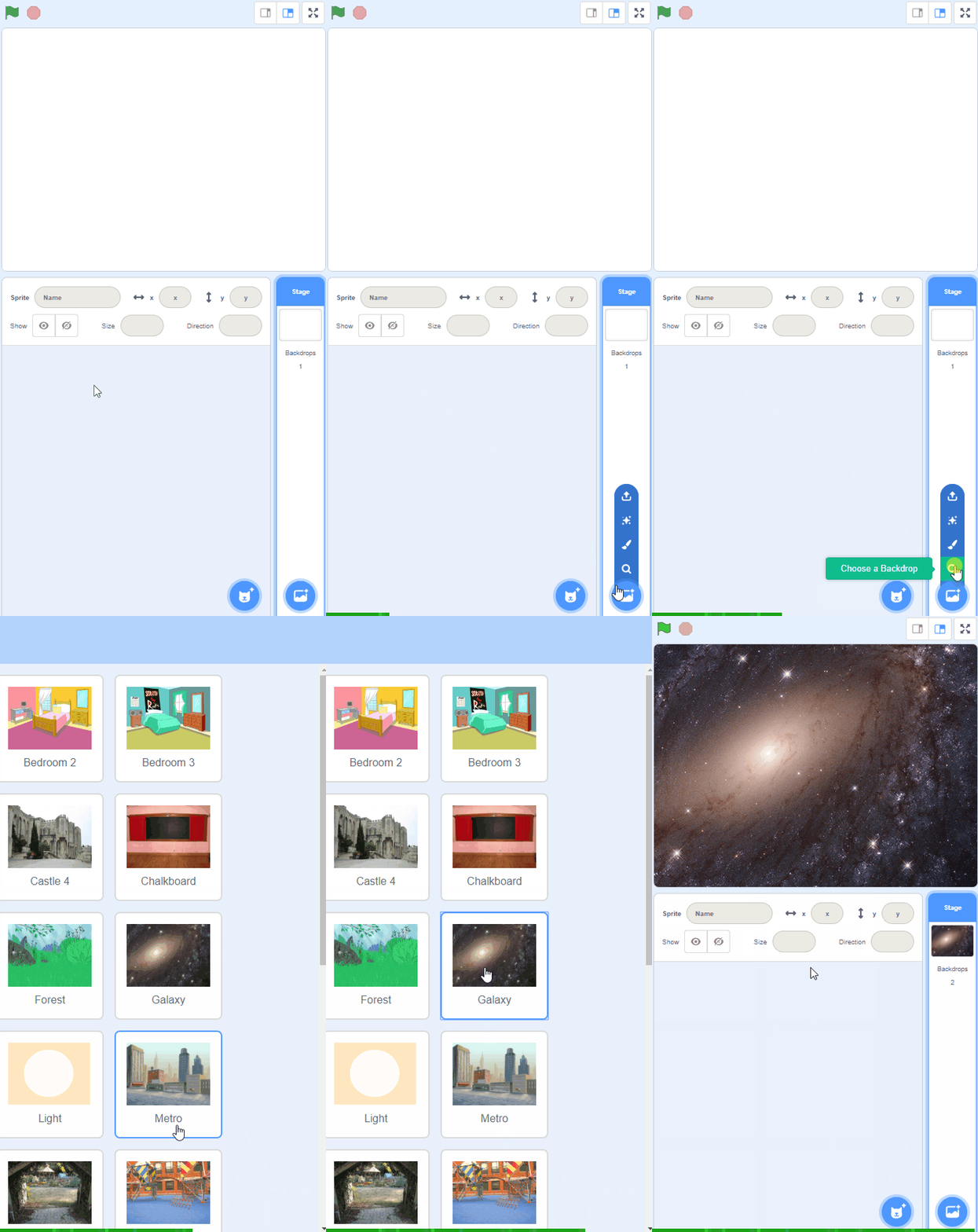
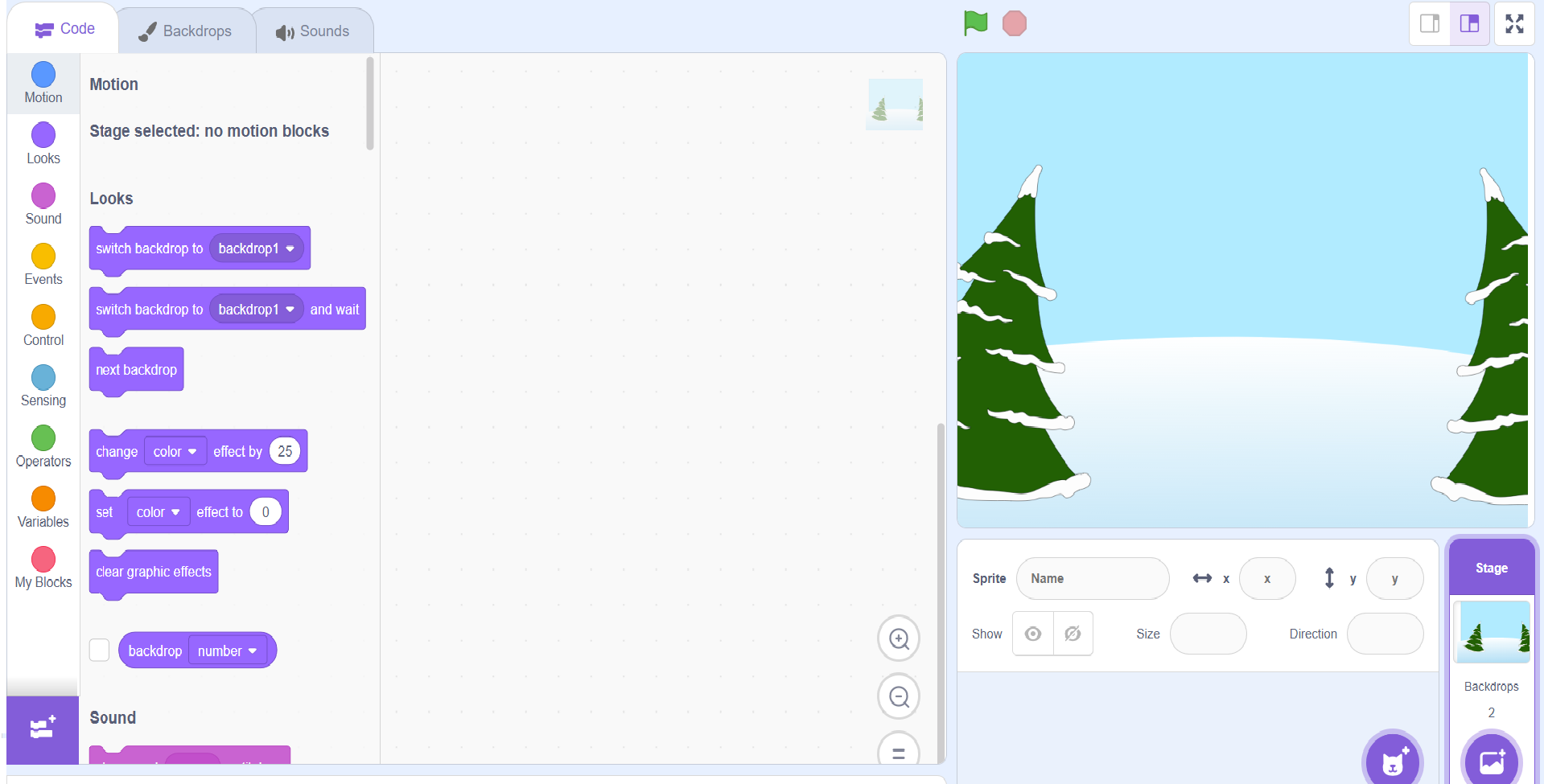
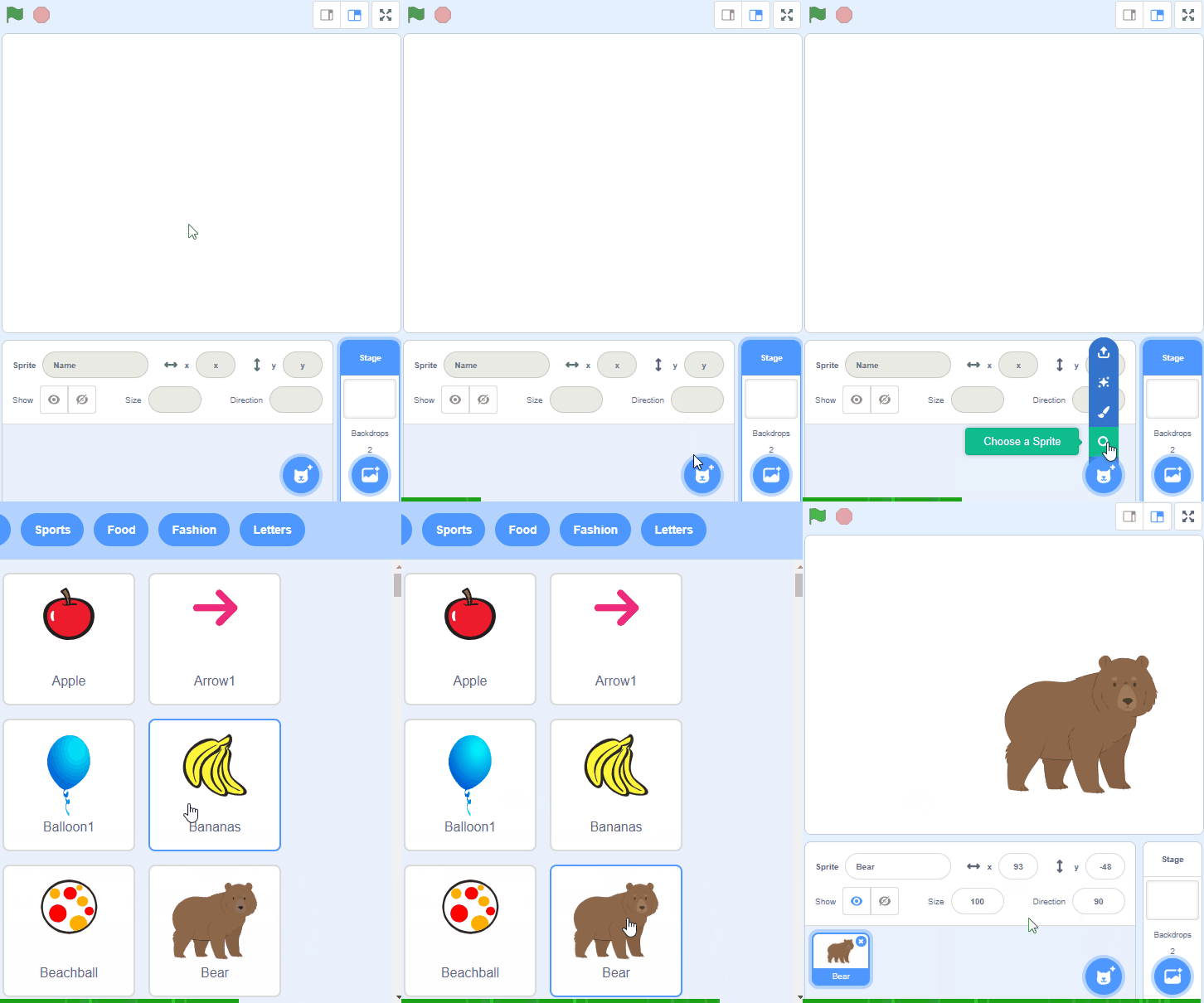
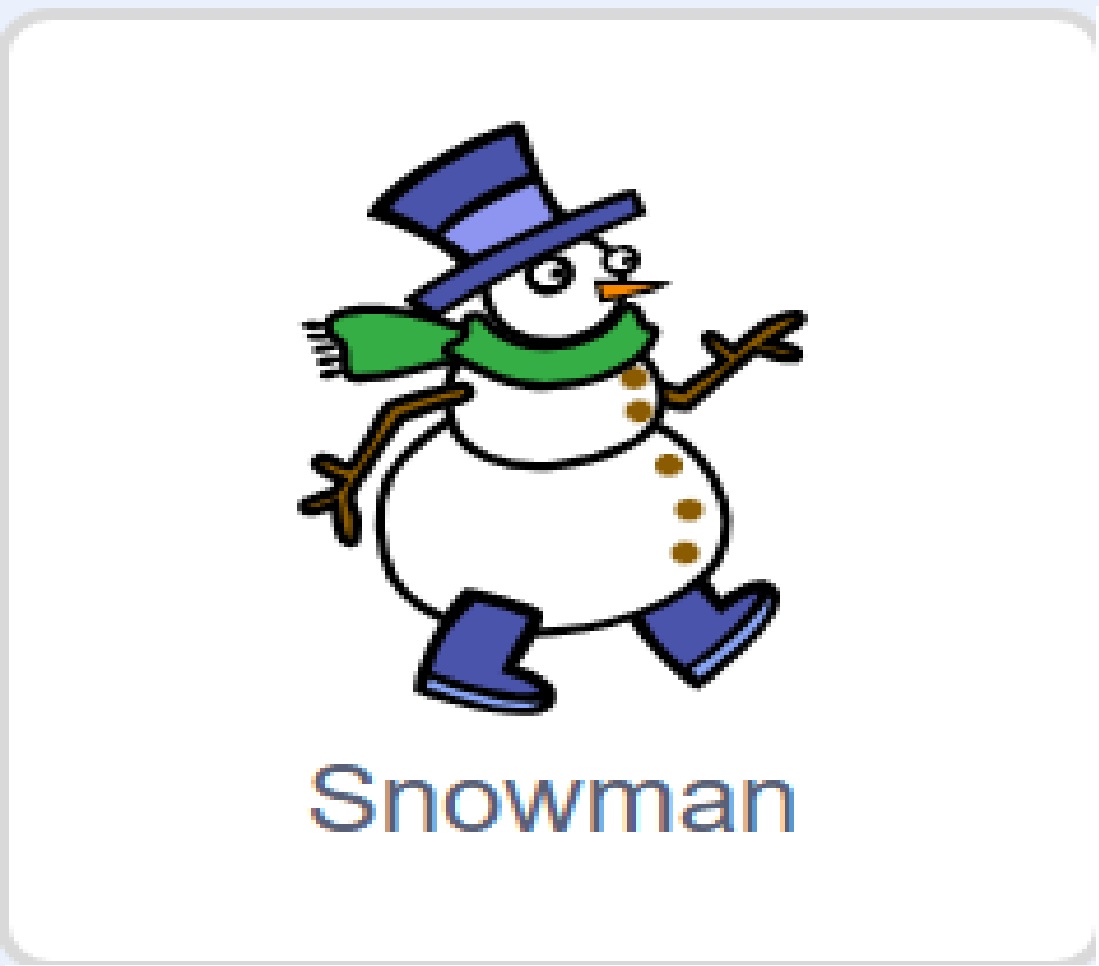
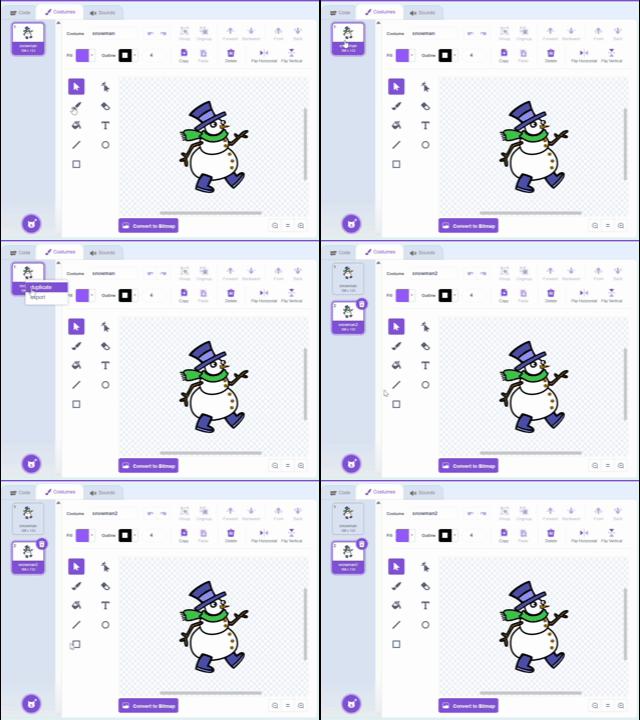
Get started with a new Scratch project and build a fun winter game. You'll create a snowy scene, add a snowman sprite, animate it to run and jump, and program gifts to move across the screen.
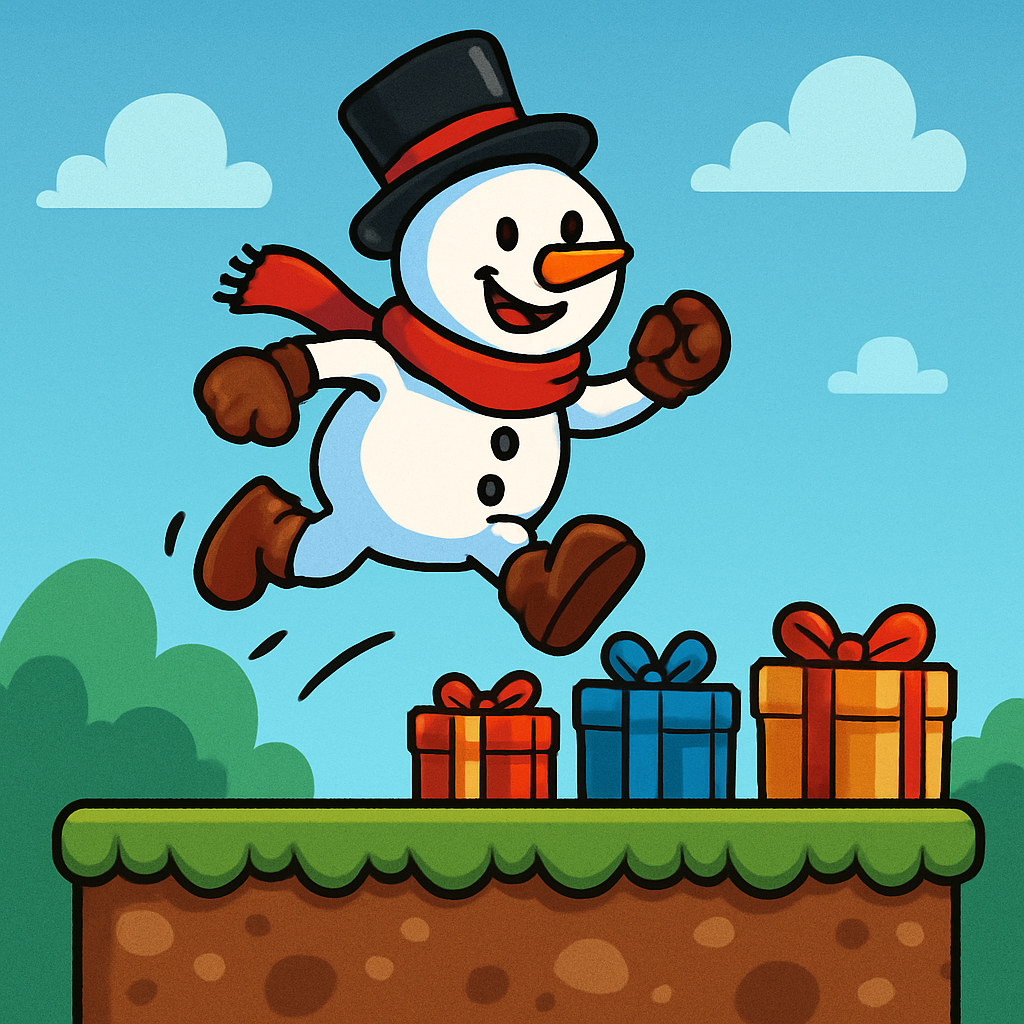 Mill have a snowy world with a happy snowman. He will run and jump to catch flying gifts. It will be like a snowy adventure!