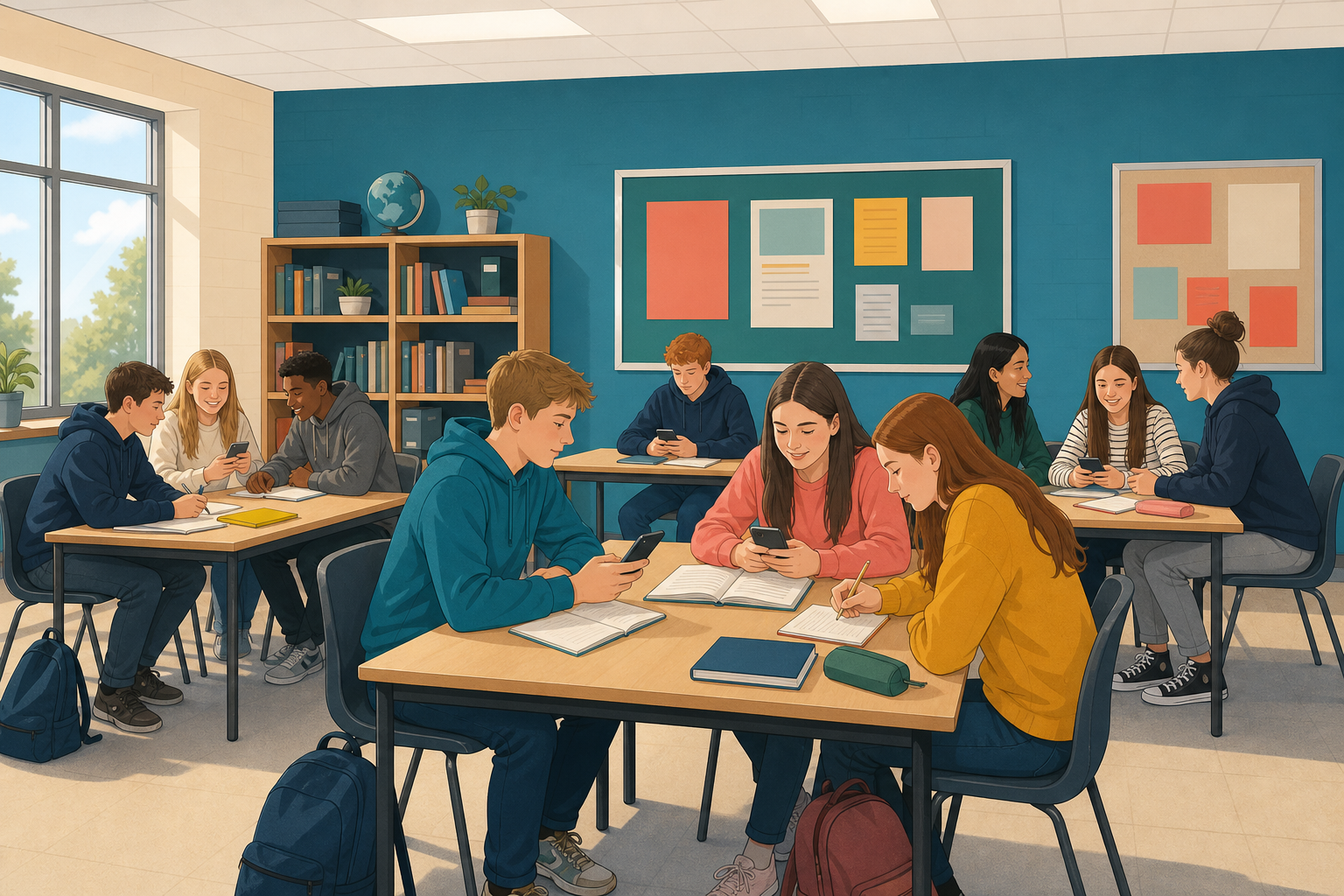
 Today nobody will ask how good you think you are online. Instead, you will show what you can already do. Digital media literacy means the skills for using the internet and digital devices well and safely.
How today works
- You work with a partner.
- You do five timed rounds, one for each area of digital media literacy.
- The class scores each round together, and nobody is named.
- At the end, you fill in an evidence card about what you did today.
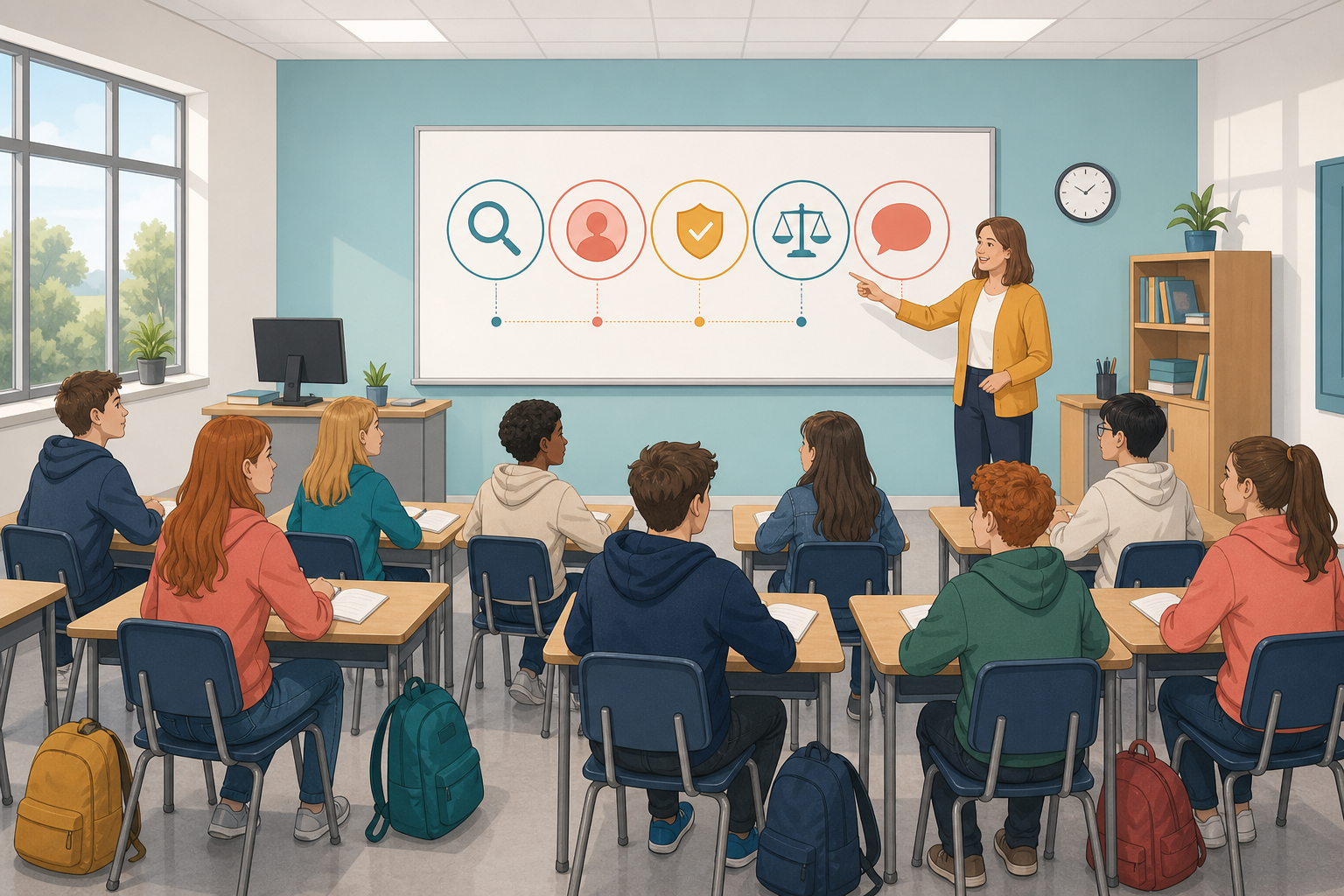 Digital media literacy means using technology and the internet safely, creatively and critically. Critically means thinking carefully about what you see. There are five areas, with one round for each:
- Safe use: looking after yourself and others online.
- Searching: finding useful answers and reading results carefully.
- Spotting dodgy content: noticing media that is unreliable, paid for or biased, which means showing only one side.
- Sharing: putting work online with credit, respect and consent, which means asking permission.
- Creating: making your own digital work.
After each round, your teacher counts how many pairs got it and writes that one number on the board. Nobody is named and nothing is graded. A round the class finds hard shows what the course should work on next.
Work with a partner through the five timed rounds below.
Round 1: Safe use (3 minutes)
A post is about to go up. It says: "Buzzing for Saturday!! Meeting the lads at the 14:20 from Athlone, then straight to the match. Anyone want in? DM me on this account, I check it all day."
Under it is a photo of four friends in school jumpers with the crest showing, taken outside the front gate.
DM means a private message, and the crest is the school badge. With your partner, make one list of everything in this post that should not be there, and say why.
Round 2: Searching (3 minutes)
How long does a red squirrel live in the wild?
Find the answer and write down the exact search you typed. You get a point for a sensible answer from a source you trust. You get a second point if yours is the shortest search in the room that still worked. Your teacher compares the searches when the round ends.
Round 3: Spotting (3 minutes)
These four things are at the top of a results page for the search best running shoes for beginners:
- A result with the word Sponsored written above its web address.
- An article on a running club's website, with no label, that is second in the list.
- A row of shop listings with prices, star ratings and an Ad label in the corner.
- A box at the top quoting one sentence from a page further down.
Sponsored means a company paid to have it shown. With your partner, answer with the letters A to D:
- Which ones did someone pay to put there?
- Which one only quotes a sentence from a page further down, so you have not read that page at all?
Write one line of evidence beside each letter.
Round 4: Sharing (3 minutes)
You want to use a picture in a school project. The page it came from says: Photograph "Low tide, Salthill" by Niamh Ruane, 2024. Free to reuse with credit.
Write the credit line exactly as it would appear under the picture in your project. You get a point for each detail from the page that you include. There are four to find.
Round 5: Creating (6 minutes)
Last, make one square picture card about your day online in the activity below. The instructions are in the activity.
Round 5: prove you can make something
Now fill in your evidence card on your own. It has one line for each round, and every line must point to something you did today.
- Write the five areas down the page: safe use, searching, spotting dodgy content, sharing and creating.
- Beside each area, write green if you did it, amber if you got part of it, or red if you did not get there.
- Beside the colour, write a few words about what you got or missed in that round, like the example below.
Searching, amber: found it, but my search was eleven words long.
Then write down:
- Two things you can already do. Take them from your greens, and write one short sentence for each.
- Two things you want to get better at by the end of the course. Take them from your reds and weak ambers, and make each goal about one clear thing you could check, like the example below.
Too vague: Be better online.
Clear enough to check: Tell a sponsored result from an ordinary one without being told.
When you finish, save everything the class way. That means saving it in the place where your class keeps its work, and your teacher will show you where that is. Do not just leave it in the browser, because it can disappear on a shared device.
Look at the five round scores on the board.
- Which round did the most pairs get right?
- Which round did the fewest pairs get right?
Digital media literacy is not one skill but five, and almost nobody is equally good at all of them. You earned every line of your card today instead of guessing. If the class did badly in a round, that is not a bad sign. It is the part of the course that will help you most.
Unlock the full learning experience
You're previewing this lesson. Get full access to this lesson and hundreds more — each one ready to teach, with interactive activities, printable resources and pupil progress tracking built in.
This lesson is copyright of DigitalSkills.org 2017 - 2025. Unauthorised use, copying or distribution is not allowed.