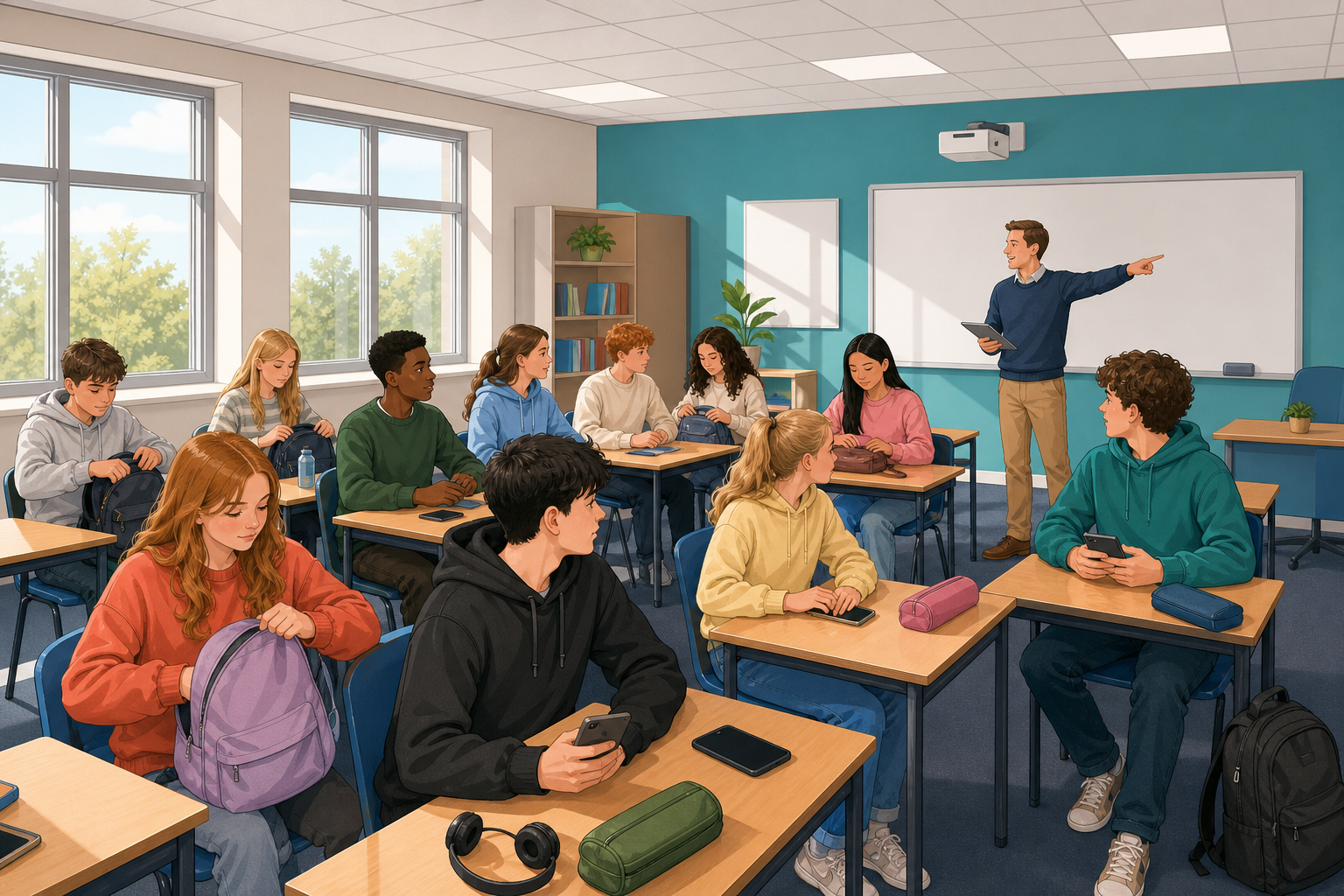
 Welcome to Digital Media Literacy. In this course you will learn to understand your habits online, judge what to trust, follow your interests and share your own work online. Near the end you will do a project of your own.
Today you start with your digital footprint. That is a name for all the things you do on phones, computers and consoles in a day. You will make a card about it, using pictures and words.
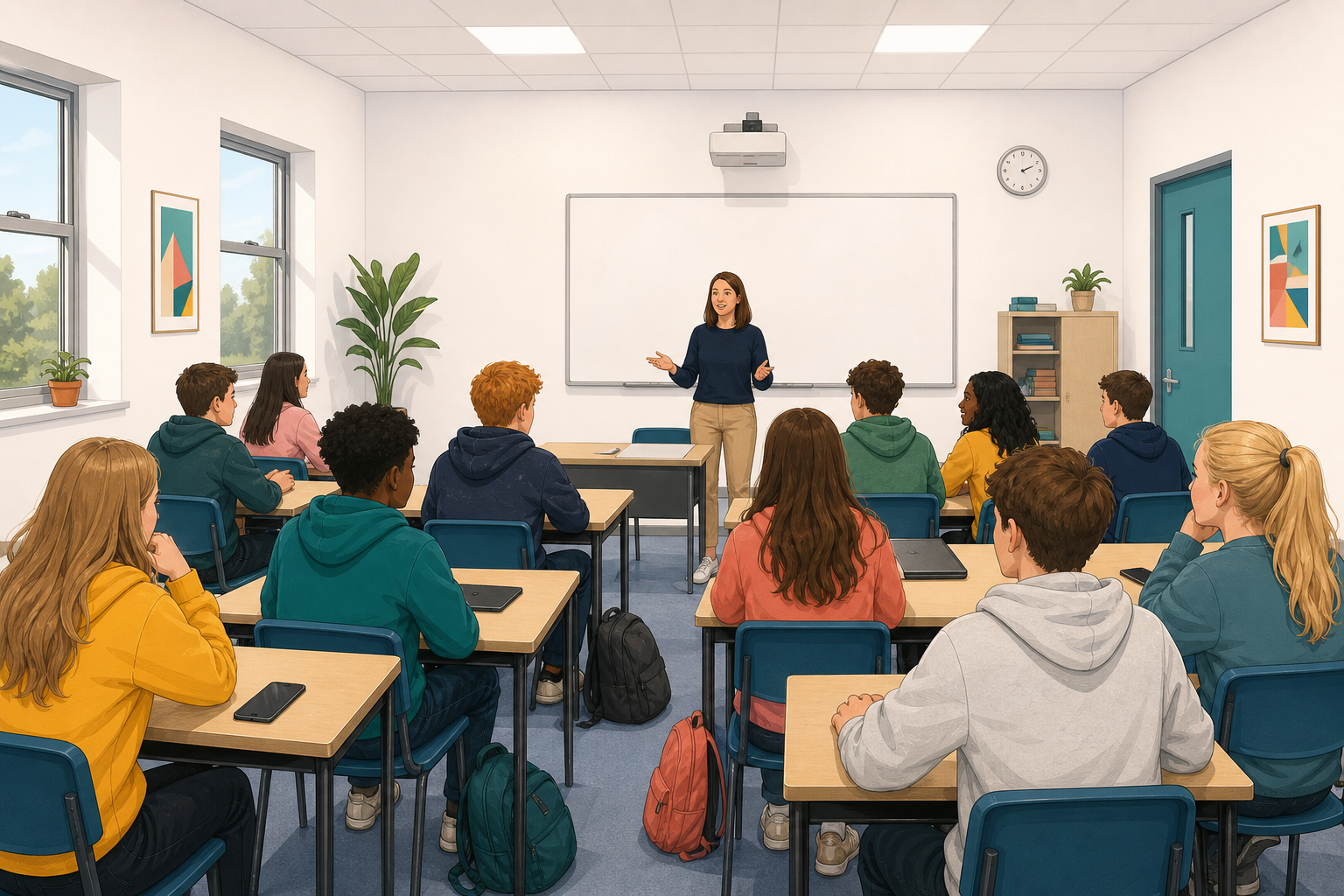 Picture a normal school day, from when you wake up to when you go to sleep. Which digital tools do you actually use? Next, you will put them on a card of your own. Nothing today is graded.
Now make your card in the activity below.
Each picture says if it is free to use, needs a credit, or cannot be used. A credit is a line saying who made the picture. The activity will not let you place a picture that cannot be used. That is meant to happen, so just pick another. At the end, open Credits and credit each picture that needs it.
Your work saves as you go. When you finish, use the download button to keep a copy as a picture. Then press Send to Teacher under the activity. Your teacher will put three or four on the board next, with the names hidden.
My digital day
Keep your card open. Your teacher will show three or four cards on the board without saying whose they are. The class guesses who made each one and what gave it away. Guessing wrong is fine, because the clues are what count, and they are often habits many people in the class share.
Next, your teacher opens a class list with three headings:
- Messaging and social
- Video, music and games
- School and learning
It already has some example lines. Tell the class a tool, app or habit from your card. The class can keep an example line, reword it, or add a new line. Then the class marks the common ones. Only share what you are happy to share.
Our class digital patterns
Look at the cards and the class list. In one sentence, what does the board tell you about how this class uses digital technology on a normal day?
Today you looked at how you spend your day online, and saw what is common in this class and what is different. Everything else in the course starts from here. Later you will judge what you see online, make media of your own and publish it carefully. Today you only needed to describe your habits, not judge them.
Unlock the full learning experience
You're previewing this lesson. Get full access to this lesson and hundreds more — each one ready to teach, with interactive activities, printable resources and pupil progress tracking built in.
This lesson is copyright of DigitalSkills.org 2017 - 2025. Unauthorised use, copying or distribution is not allowed.