 You should already have a topic for your big project, an idea of what you will make, and a rough plan. Today you will set up your research log. This is where you keep a record of how you do your research, including the sources you find, what you decide about them, and any AI help you use. By the end of the class you will have a log with your first real entry in it.
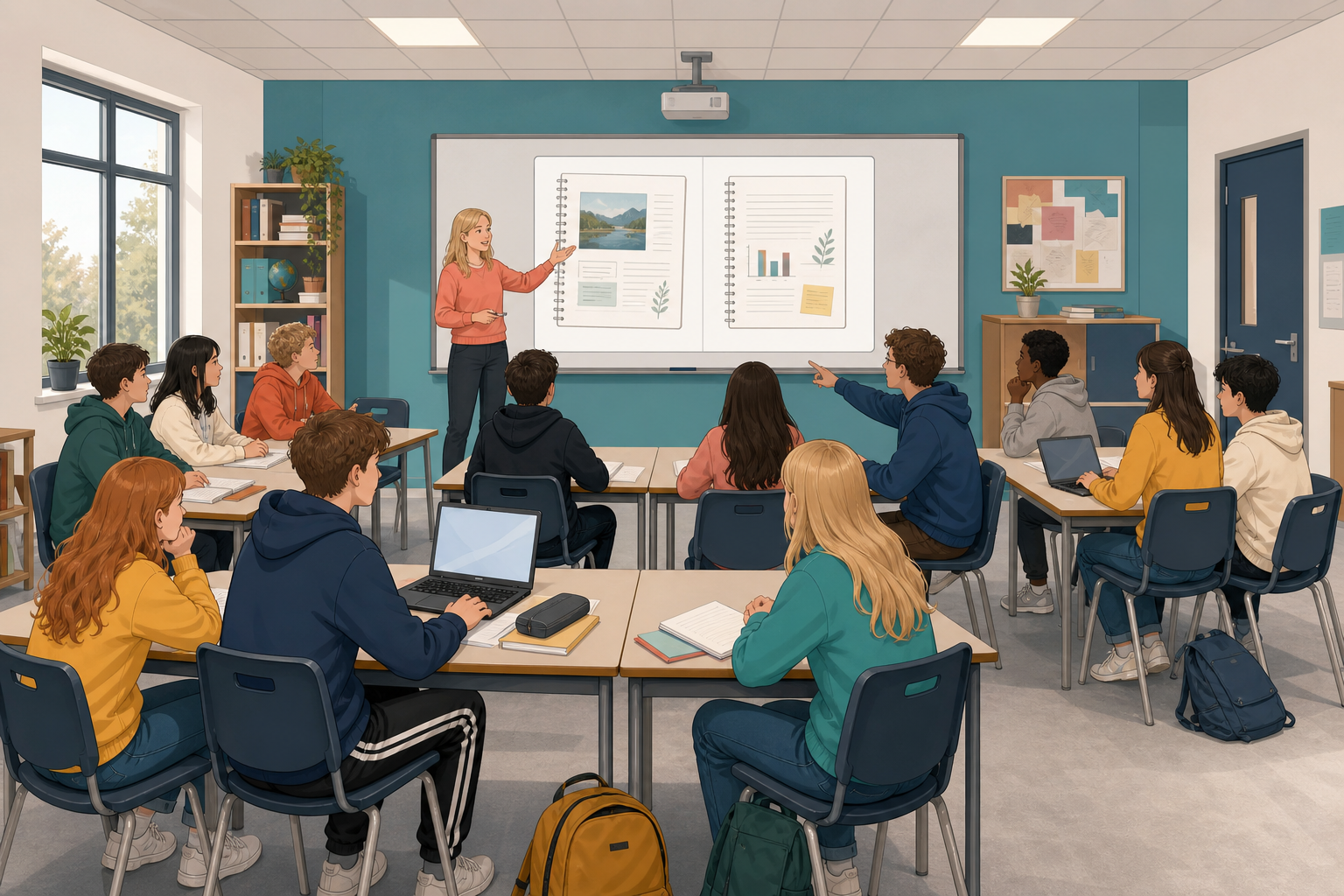 A research log is a set of dated notes you keep as you work, showing how you found, judged and used information.
A useful entry has five parts:
- when you looked, and what you looked at
- why you opened it
- your checklist call, which is what you decided using the class checklist, and why
- your next step
- any AI help
Read these two made-up entries about young people using group chats for homework help. Do not copy either one into your own log.
- Date: 12 March
- Source: "Five ways group chats help with homework" on StudyBuzz Hub (a made-up student blog). There is no named author, and it is dated 5 March. Link saved.
- Why I opened it: the title matched my topic, and it came up near the top of my search.
- Checklist call: check it further. There is no named author, it seems to be written to get clicks and likes rather than to give evidence, and its claims have no sources. I need to check it against other sources.
- Next step: find one school or research source that says the same thing before I use any of this.
- AI help: none on this search.
- Date: 12 March
- Source: "How group chats change homework habits" on TeenTech Daily (a made-up site). Link saved.
- Why I opened it: it came up in my search and matched my topic.
- Checklist call: trust it.
- AI help: none.
With a partner, look at what Entry B leaves out, and choose the one missing piece that would make it hardest for a marker, or for you later, to see why the decision was made. Be ready to share it.
In the last step you saw the five parts of a useful entry. Now, as a class, you will turn them into the class log standard, which is a short list of what every entry in your log should include. Your teacher has the five headings on the board, each with a starter line under it.
- When and what: the date, the title, who made it, and the link or where you found it
- Why you opened it: one short line
- Checklist call: trust it, check it further, or do not rely on it, plus a short reason
- Decision or next step: what you will do because of that call
- Honest AI note: name any AI help, or write "no AI help yet"
- Read the five headings and the starter line under each one.
- If a line sounds awkward or too formal, call out a better way of saying it. Keep the list short enough that you would really use it.
- Then, as a class, agree one extra rule for when you cannot find out who made a source or where it came from. One rule you could choose is that you never just write down "a website". Instead, you either find the missing details or use a different source.
- The agreed list stays on the board. In the next step you will copy it into the top of your log, because you will use it for the rest of your project.
Now set up your Student Project log.
In the first three minutes, create your file in the place the class uses for project work, and put your name, project title and today's date at the top. Write your AI line, even if it is "no AI help yet", and then save it the class way. That already counts.
Before you finish, check that:
- your log has the class log standard copied in
- you have at least one complete entry for a source on your topic, with the date, what the source is and where it came from, why you opened it, your checklist call with a short reason using the class checklist on the board, your next step and the AI line
- you have saved your log the class way so it is there next time.
If you have time, log a second source, or one search that did not work, with the words you tried and why the results were weak.
If a source fails the checklist, still log it and say why you will not rely on it. That is useful evidence of how you worked, not a failure.
Come back together as a class. Two or three students will read out a strong entry if they agree, and you will say what made it useful, such as a clear checklist reason, a next step or an honest AI line.
Your research log shows how you found and judged your material, and it is marked too, not just the finished piece.
Save your log the class way before you go.
Unlock the full learning experience
You're previewing this lesson. Get full access to this lesson and hundreds more — each one ready to teach, with interactive activities, printable resources and pupil progress tracking built in.
This lesson is copyright of DigitalSkills.org 2017 - 2025. Unauthorised use, copying or distribution is not allowed.