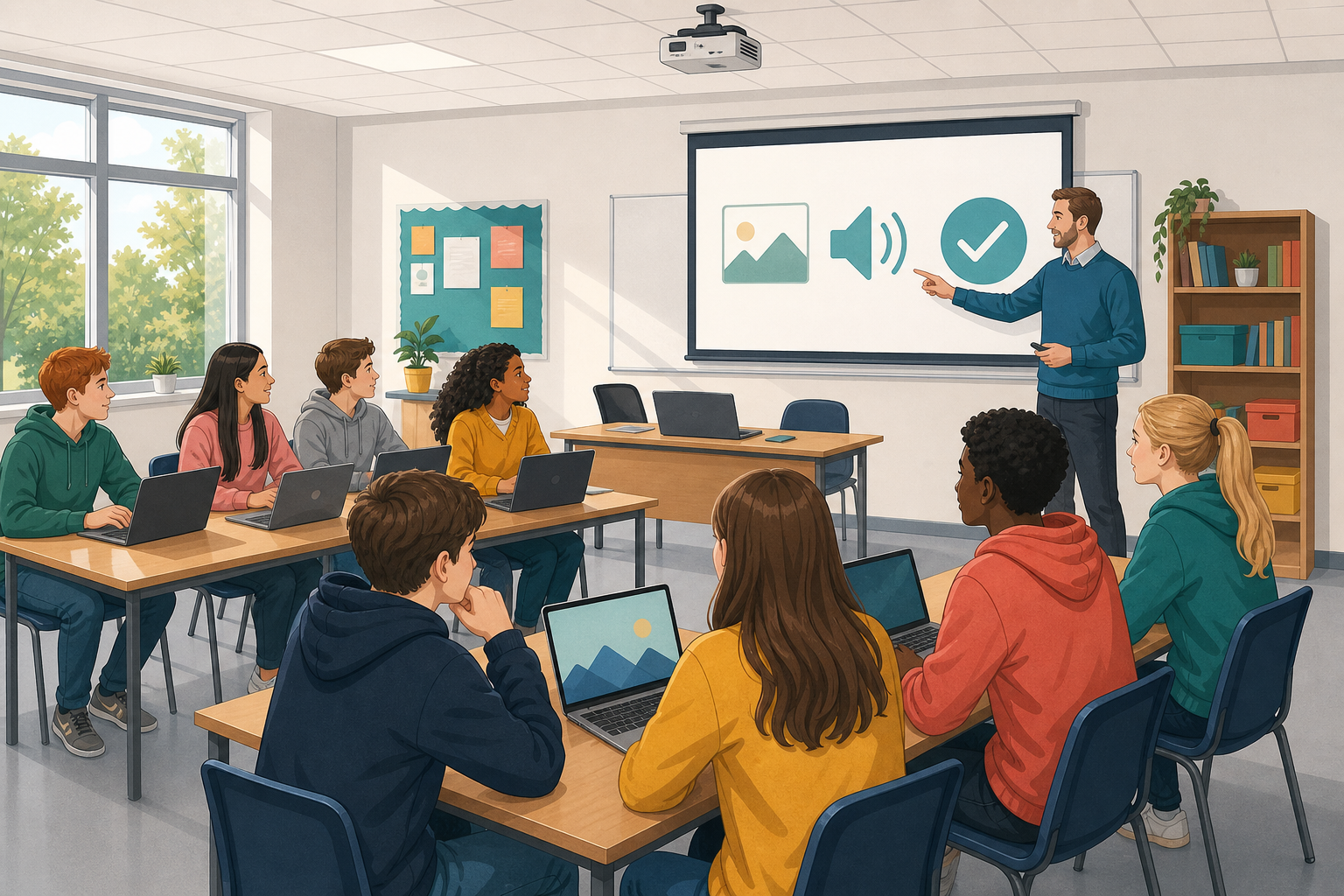
 When you make a media project, the pictures and sounds have to come from somewhere. Today you will find out whether you are allowed to use them.
First you will sort some examples into free to use or not free. Then you will collect pictures and sounds from websites that let you reuse them, and write down where each file came from.
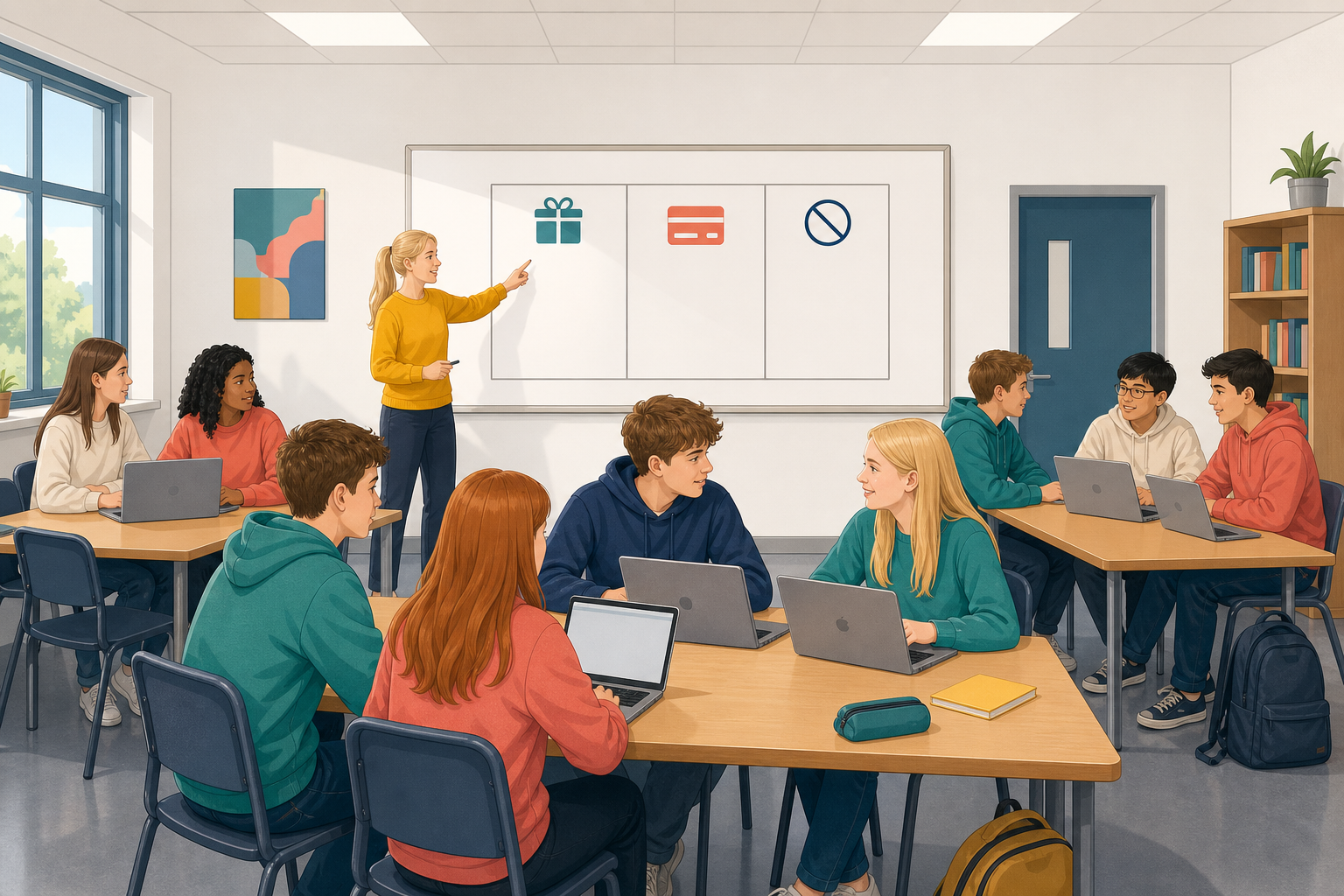 Finding something online does not mean you may use it. You need a licence, which is written permission saying what you may do with a file. It also says whether you must give credit, which means naming the creator.
You will sort files into three groups: free without credit, free with credit and not free.
Pixabay has free pictures and sounds, and Freesound has free sound effects. Some files have a free Creative Commons licence. CC0 (C C zero) means it belongs to everyone, so it needs no credit. CC BY means it is free if you name the creator.
Each card describes where you might find a picture or a sound. Your teacher will go through the first card with the class. Then you will sort all nine in Class Play.
CC BY means it is free if you name the creator. CC0 means public domain, so the file belongs to everyone and needs no credit. Attribution is another word for giving credit.
The three groups are:
- Free to reuse without credit: the licence says you do not need to name anyone.
- Free to reuse with credit: you must name the creator.
- Not free to reuse: there is no clear licence, someone else owns it, or it is a preview you have not paid for.
Free to reuse or not?
Now everyone sorts all nine cards on their own device, starting with the card you just did together as a warm-up.
For each card, choose a group and say how sure you are: just checking, fairly sure or certain. This sets your stake, meaning how many points you risk. Certain risks the most and just checking risks the fewest. If you are right you win those points, and if you are wrong you lose them. You can change your answer until the time runs out. Your table scores together, so you can talk it through quietly first.
Your teacher will ask why each card belongs where it does, because the reason matters more than the score.
Class Play
First, for about 2 minutes, your teacher will find a picture on Pixabay, read its licence aloud and write one line in a source log. A source log lists every file you collect and where it came from.
Then you have about 10 minutes on your own to collect pictures and sounds. You will make a short media piece with them later, but today you only collect. Use Pixabay, not a web search, and only use Freesound if your teacher has set it up. On Pixabay, the licence line is under the Download button.
Before you finish, check that:
- you have chosen a rough theme, such as sport, music, a local place or a hobby
- you have downloaded, or saved the link to, at least two files you may reuse (two pictures and no sound is fine)
- your log has a full line for every file, like the examples below
- you have saved your log the class way, in the place your class keeps its work
Each line has: file name | where it came from | what the licence allows | whether credit is needed, and the creator's name if it is.
- sunset_pitch.jpg | Pixabay | Free for commercial use, no attribution required | Credit needed: no
- crowd_cheer.mp3 | Pixabay | Free for commercial use, no attribution required | Credit needed: no
If your teacher has set up Freesound, a line for a sound you bookmarked could look like this:
- rain_on_glass (bookmarked) | Freesound page | CC BY | Credit needed: yes, Creator: Jane Murphy
Two files logged in full are better than three half done. If a file has no clear licence, leave it and find another. If you finish early, add a third file.
Unlock the full learning experience
You're previewing this lesson. Get full access to this lesson and hundreds more — each one ready to teach, with interactive activities, printable resources and pupil progress tracking built in.
This lesson is copyright of DigitalSkills.org 2017 - 2025. Unauthorised use, copying or distribution is not allowed.