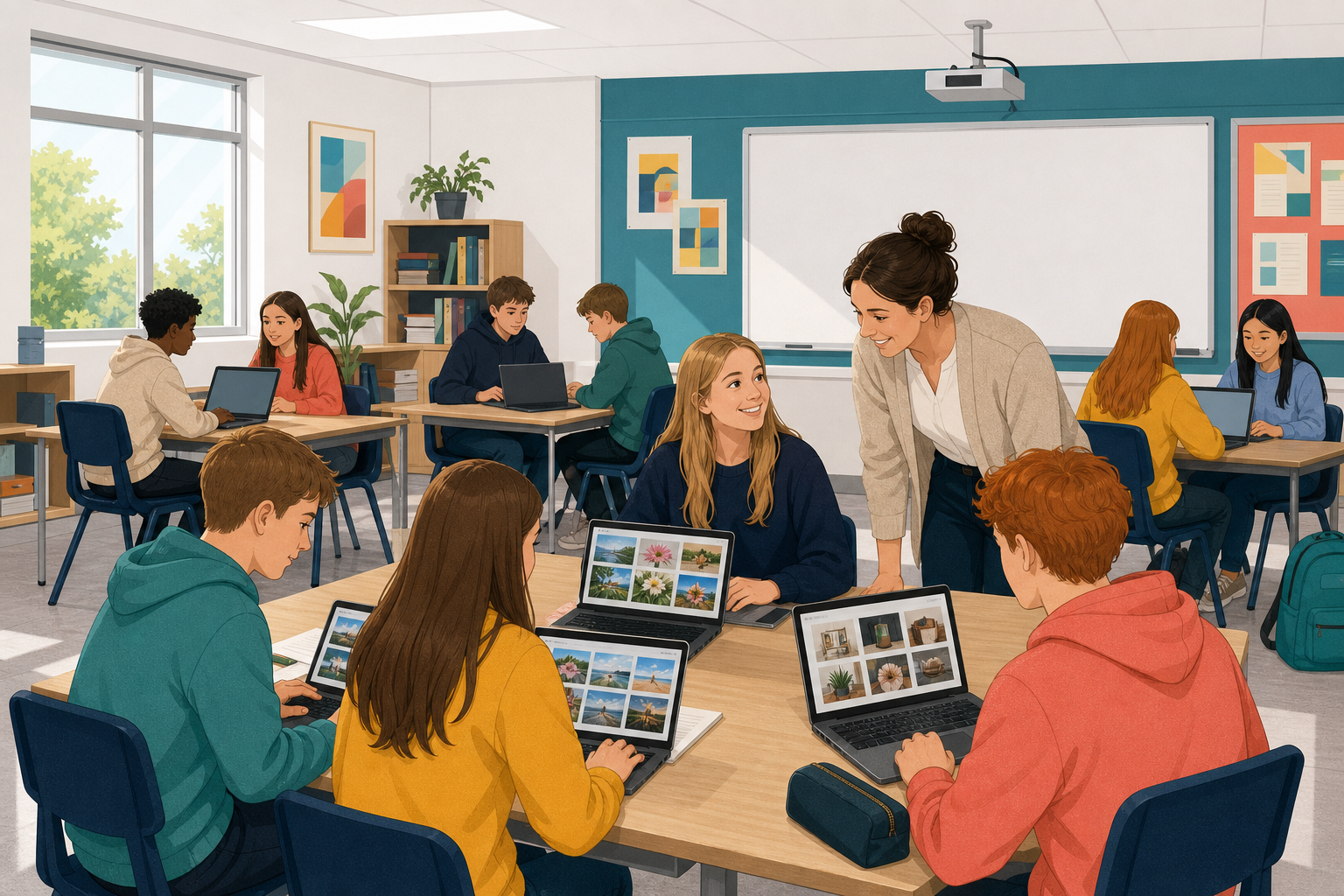
 You have planned, built, captioned and credited a digital montage about something you are interested in. Today is the showcase, so you will present it to a small group, explain your choices, and give feedback on other people's montages.
You will present once and hear one strength about your work and one sharper question, which is a question that makes you think harder about your choices. Then you will name one thing you would change next time.

Keep your presentation short, and cover four things:
- Theme: what is your montage about?
- Purpose: what should viewers understand or feel by the end?
- Audience: who is it for?
- Choices and credits: which formats (such as photos, video or sound) did you pick and why, and how did you credit what you borrowed?
When you listen, give the maker one strength and one sharper question. A strength is something specific that worked. A sharper question makes the maker think harder, like "Why did you put the audio first?" Saying "I liked it" is too vague.
Work in groups of three, or four if needed. Each person presents once.
- Open your montage so the group can see or hear it, then present for about 90 seconds. Say your theme and purpose, name your audience, and point to one credit and one format choice. If your montage is long, show just one important part.
- Listeners use the four points in the activity below as a guide while they listen. Then each listener gives one strength and one sharper question, taking about a minute. The presenter writes both down in a few words.
- Keep swapping until everyone has had a turn.
When you present: This montage is about… / I want the viewer to… / It is really for… / I chose this because… / This credit is here because…
When you give feedback: One strength was… because… / One sharper question: why did you…?
If your montage will not open, present from your plan, captions and source log.
Showcase feedback: one strength and one sharper question
On your own, use the feedback you just got to fill in the three points below. Have them ready in case your teacher asks you to share.
- The strength someone named about your montage:
- The sharper question you were asked:
- One real change you would make if you built this montage again (for example the order, a format, a caption, a credit, or something you would cut):
If you did not get full feedback in your group, make up a sharper question yourself using the four points (theme, purpose, audience, choices and credits), and then still name one real change. Save your notes the class way, in the place your class keeps its work, so they are there if you come back to this work later.
Now the class comes back together. You were both a maker and a listener today, so think back to what happened in your group.
- Name one sharper question you heard that really made the maker stop and think. Was it about the order, the audience or a credit?
- When you pointed to a credit in your own presentation, did it feel like a chore or part of the story? Why?
- As a listener, what did you notice that the maker might not have noticed until you said it?
Unlock the full learning experience
You're previewing this lesson. Get full access to this lesson and hundreds more — each one ready to teach, with interactive activities, printable resources and pupil progress tracking built in.
This lesson is copyright of DigitalSkills.org 2017 - 2025. Unauthorised use, copying or distribution is not allowed.