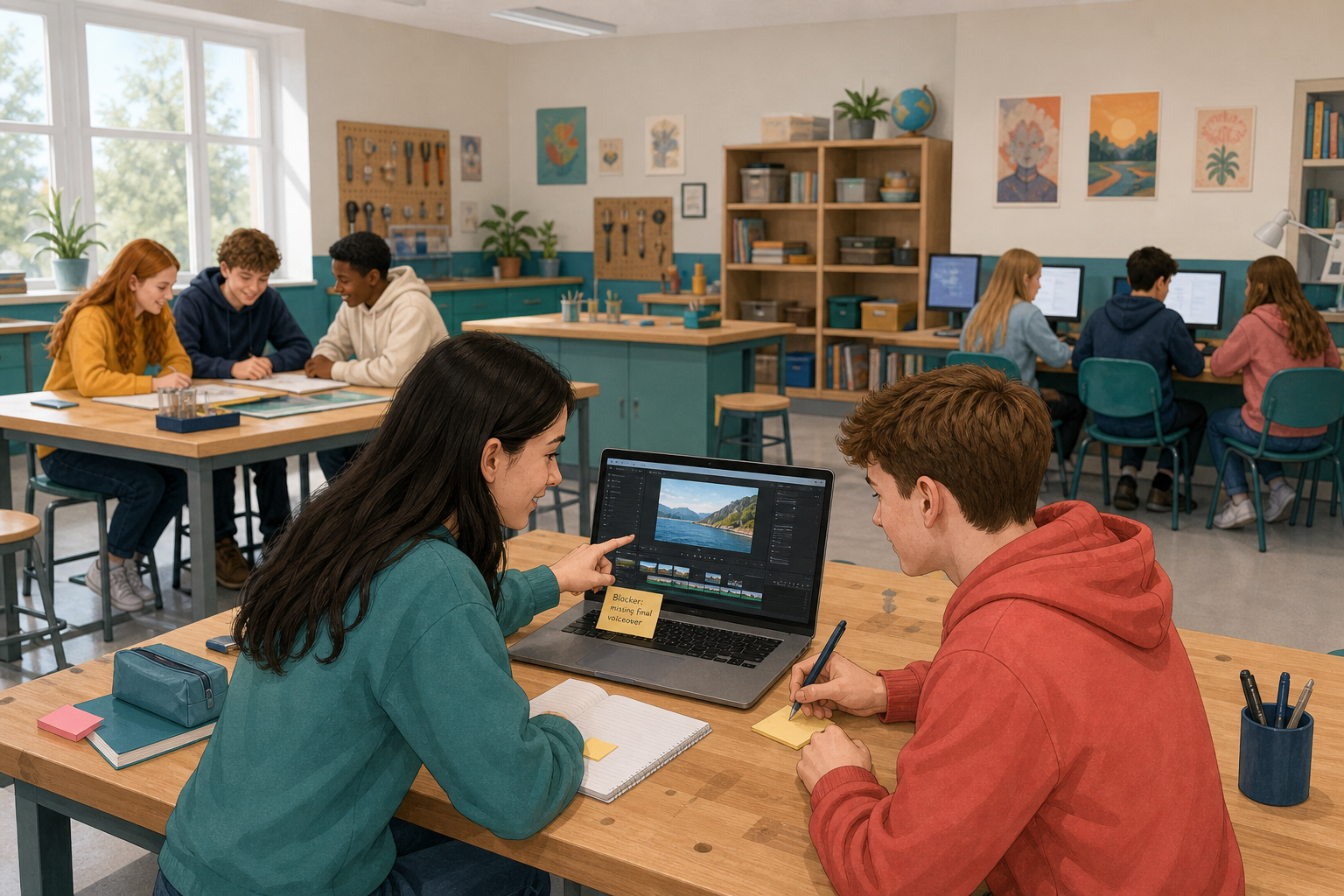
 A checkpoint is a lesson where you check how your project is going. At the last one, you wrote down the biggest thing still missing from your draft, which is the first version of your project. Today a partner will help you with what is stuck, and you will leave with one clear next thing to do.
If you are not sure what is stuck, open your draft and find the first thing a new reader would not understand.
A blocker is anything that stops your project moving forward. It might be a source you cannot find, a section that will not fit, or a format, meaning the type of thing you are making, that is harder than you planned. It might be a question about consent (getting permission from people) or credit (saying who made something you used). Someone else can often see a simple fix that you have missed.
Take two or three minutes now to write one sentence that names your blocker as exactly as you can. "I'm stuck on everything" is too vague, so aim for something like the examples below.
"I cannot find a free-to-reuse image (one I am allowed to use without asking) that matches my second section."
"My opening does not make the topic clear to someone who has not read my plan."
Work with a partner. One of you is the maker, the person whose project it is, and the other is the fresh pair of eyes.
- The maker reads out their blocker sentence and points to the part that is stuck, which takes about 30 seconds.
- The fresh pair of eyes asks up to two questions to understand the problem, then gives one suggestion. The maker writes the suggestion down.
- Each maker gets about four minutes for their whole turn. Your teacher will tell you when to swap roles, and then you do the same again.
- As a class, call out blockers that more than one pair had. Your teacher writes up to two of these on the board, for example having no source you can use, or an opening that is not clear. The class then agrees one short fix for each that anyone could try.
By the end, you should have at least one new idea for your project.
Go back to your own project. Use the idea your partner gave you, and any fix from the board that helps you.
- Write one next target at the top of your working notes. This is a single thing you can finish the next time you work on your project, like the examples below.
- Spend the rest of this step working on that target. Make sure your project is clearly further on than when you sat down, even if it is only one real change. Do not switch to a part that is already fine just because it is easier.
- When you stop, your target should be either done or clearly started. Save your project the class way, which means saving it in the place where your class keeps its work, so it is there next time.
"Replace the image that has no credit and write down where the new one came from."
"Rewrite the opening so someone reading it for the first time knows the topic in two sentences."
Being stuck is a normal part of a long project, and it does not mean you chose badly. Today you named your blocker exactly, let someone else look at it, and left with one next target instead of hoping it would sort itself out. Between now and the next checkpoint, your job is to work on that target. Your draft does not need to be finished yet, but it does need to keep moving.
Unlock the full learning experience
You're previewing this lesson. Get full access to this lesson and hundreds more — each one ready to teach, with interactive activities, printable resources and pupil progress tracking built in.
This lesson is copyright of DigitalSkills.org 2017 - 2025. Unauthorised use, copying or distribution is not allowed.