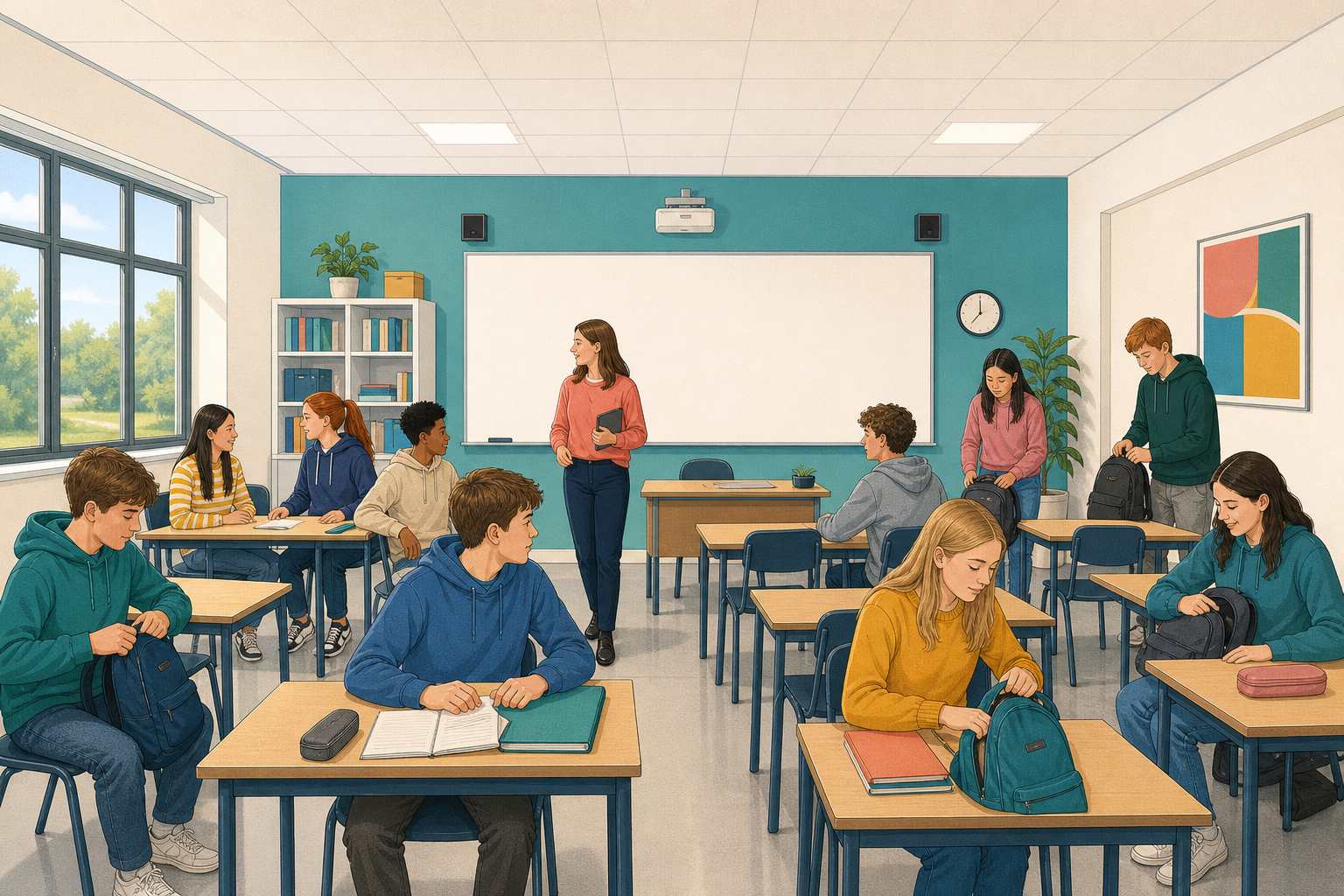
 You should have a Student Project idea. If not, pick a topic you care about in the first two minutes and write it as one sentence. Today you will plan what you will make, who it is for, and your milestones, the small jobs you tick off along the way. Before you start making it, a partner or your teacher checks that your project is not too big to finish or too small to show what you can do.
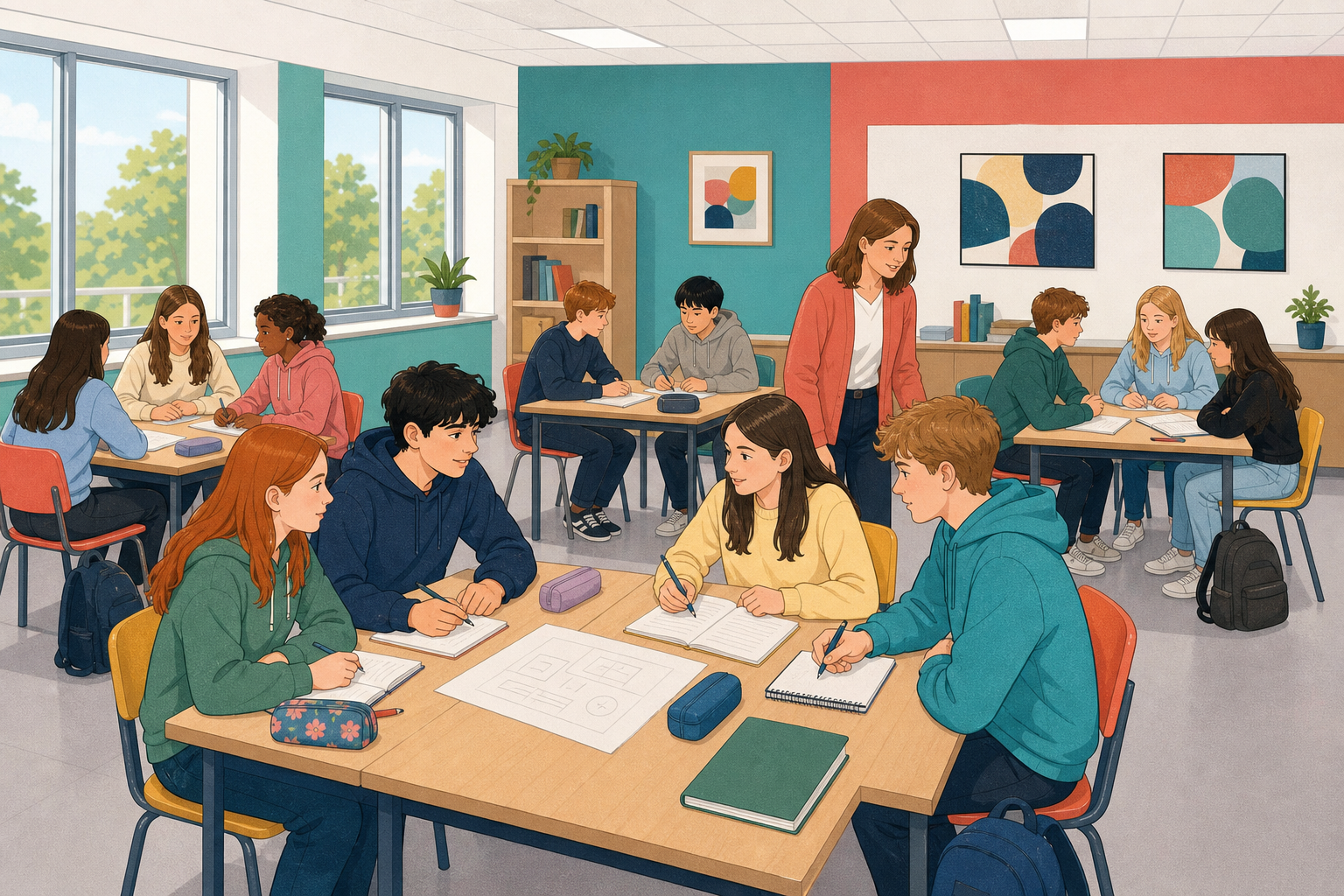 Your plan has five parts.
- Your settled topic is one sentence saying what your project is about and why it matters to you. For example, "I am exploring how short video tips can help first-years spot sponsored posts." Sponsored posts are paid for by a company.
- What you will produce says what you will make, how long it will be, and who it is for. For example, "a 90-second video explaining this to first-years in our school."
- What it can show names what your project will prove you have learned. You can name any of the four course areas, which are your own habits online, judging what to trust, following your interests online and publishing your own work. You can also name skills like checking sources and asking for consent, which means permission.
- Your milestones are the jobs that get you to a finished, published piece.
- Your first next step is the milestone you will start once your plan is checked.
"Research more" is too vague to tick off. A better milestone is "Find and evaluate three sources on my topic using the class checklist". Evaluating a source means checking how far you can trust it.
With a partner, take about two minutes to turn "work on the video" into a milestone you can tick off, and be ready to read yours out.
Open a new document or page and save it the class way, in the place your class keeps its work. On your own, copy the five headings below and fill them in for your topic, using the example if you are stuck.
- Settled topic
- What I will produce
- What it can show
- Milestones
- First next step
Change every line to fit your own topic.
- Settled topic: I am exploring how school notice posts can make consent clearer when sharing photos of events.
- What I will produce: A series of four designed posts for our year group, plus a one-page credits note listing whose work I used.
- What it can show: It shows I can judge what to trust by checking sources and crediting them. It also shows I can publish my own work safely and ask for consent before using pictures of people.
- Milestones: (1) Find and evaluate three sources with the class checklist. (2) Draft post 1 and list every source used. (3) Write the consent questions I will ask before using any photo. (4) Design posts 2 to 4 and save them as finished files. (5) Write the credits from my notes on every source. (6) Run a safety and consent check. (7) Package and publish the posts the class way.
- First next step: Find and evaluate three sources with the class checklist.
Before your first check
- For your settled topic, write one sentence. If you are still choosing, pick a main topic and a backup now.
- For What I will produce, say what kind of thing you will make, how long it will be, and who it is for.
- For What it can show, name two or more course areas or skills from the last step.
- For Milestones, write at least three jobs you can tick off. By the end, aim for five to eight, covering research, making, crediting, a safety and consent check, and publishing.
- For First next step, name the milestone you will start once your plan is checked.
Scope check
Your project's scope is how big it is. After about ten minutes of writing, swap plans with a partner and tick yes or no for each question below on their plan.
- Is the topic about one clear thing?
- Can the project be finished in the weeks you have for it?
- Can each milestone be ticked off, and are they in a sensible order?
- Does the plan show more than a good-looking final piece? For example, does it include checking sources, asking for consent or publishing safely?
Then write Partner-checked on each other's plan. Your teacher will check plans too, and everyone should leave with Partner-checked or Teacher-checked on their plan. Do not start making your project until your teacher has checked your plan.
While you wait for your teacher, you can look for sources or do one of these two things.
- Rewrite two milestones so that each one produces a finished thing you can point at, like a file or a draft.
- Add a backup milestone in case your first next step gets stuck.
Finish any missing milestones and the "What it can show" line before you leave, or in the first five minutes of next lesson.
A plan is not a wish list. It is a short promise to yourself about your topic, what you will make and the jobs you will do next. Milestones you can tick off let you see your progress. The scope check makes sure your project is not too big to finish or too small to show what you can do. Keep your checked plan saved the class way. Once at least a partner has checked it, start the first next step you named.
Think about
- Which milestone on your list will be hardest to tick off, and what would make it easier to start?
- If there is time, imagine cutting your project in half. What would you keep so it still shows the skills you have learned?
Unlock the full learning experience
You're previewing this lesson. Get full access to this lesson and hundreds more — each one ready to teach, with interactive activities, printable resources and pupil progress tracking built in.
This lesson is copyright of DigitalSkills.org 2017 - 2025. Unauthorised use, copying or distribution is not allowed.