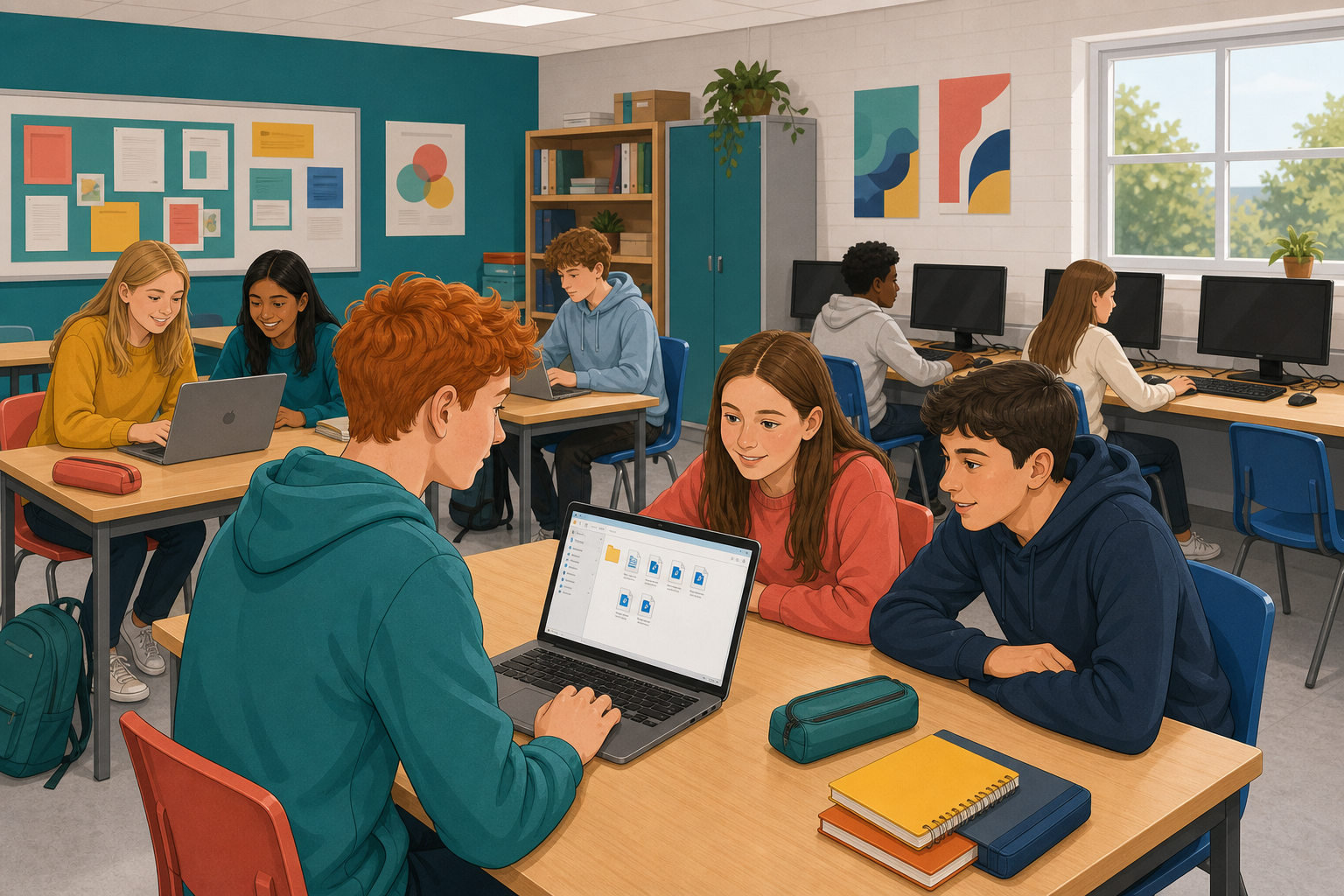
 You already have a piece you can show, a research log and a list of references. Today you will put them together in one folder, called a package, that is ready to hand in. If you needed someone's permission (their consent) for your piece, you will add a note about that too. By the end, a partner who has never seen your folder should be able to find everything in it without asking you.
A package is your project in the form you will hand it in, set out so your teacher can find everything with no help.
 Set out your folder the way the board shows. A clear package usually has:
- The piece: the finished work you made, such as your video, montage or written piece
- The research log: your record of planning, sources and decisions
- The references: every source you used, credited properly
- Consent notes: only if you needed someone's permission, such as for a photo of a person
Give your files plain names like piece, research-log, references and consent, plus your name or class code.
Build your package from the work you already have.
- Create or open your project folder, set out the way the board shows.
- If a file is still on your phone or in a chat, move it to where your class saves its work before you rename anything. If moving files is slow, move your piece and your log first.
- Add the final version of your piece, which is the file someone would open to see your work.
- Add your research log and your full reference list.
- If your piece needed someone's permission, add your consent notes. If it did not, leave that part empty, or mark it not needed if your teacher asked you to.
- Rename every file so someone else can tell what it is without opening it.
- Open each file on this device, and fix or replace any that do not work.
- Save the whole package the class way so it is still there next time.
If a part is missing, or a file will not move off your phone, add a short note file called gap-list that says what is missing and where it is. Do not make up files.
Swap devices with a partner, or share your folder with them. Do not explain your package first, because the point is to see what someone finds with no help.
Your partner looks through your package for about two minutes. As they look, they ask themselves these questions quietly:
- Can I find the piece quickly?
- Can I find the research log and the references?
- Does every file I click actually open?
- Are the names clear enough that I know what each file is for?
- If consent was needed, is the note there? If it was not needed, is that clear?
When the two minutes are up, your partner tells you two things, one strength and one gap, naming the exact file each time. If a file is missing, they say which one they could not find. Then swap over and do the same for your partner's package. Use the time left to fix the one gap your partner found, and save the package the class way before you stop.
The partner check showed whether your package is easy to find your way around, not only whether it is complete. If your partner could not find your log, open a file or tell which version was final, your package is not finished yet, even if your piece is good.
Packaging puts your log and references beside your piece, so your teacher can see the steps you took as well as what you made. Any fix you did not finish today shows what to do next time.
Unlock the full learning experience
You're previewing this lesson. Get full access to this lesson and hundreds more — each one ready to teach, with interactive activities, printable resources and pupil progress tracking built in.
This lesson is copyright of DigitalSkills.org 2017 - 2025. Unauthorised use, copying or distribution is not allowed.