Beginner
30 mins
Teacher led
What you need:
Bee-Bots

Flower Power: Planting with Bee-Bots

In this lesson, you'll guide students through a series of activities involving Bee-Bots. They'll start by acting as Bee-Bots, then practice programming on an interactive whiteboard. The lesson culminates in a hands-on game where students use real Bee-Bots to plant flowers on a grid mat, reinforcing their understanding of directional commands and sequencing.
Teacher Class Feed

Load previous activity

    1 - Introduction

    In today's lesson, students will start with a fun "Student as Bee-Bots" game, where they’ll act out the role of a Bee-Bot by following commands just like in the previous lesson. Next, they’ll move on to a digital practice session, where they’ll refine their skills in programming Bee-Bots on the interactive whiteboard. Finally, students will put their knowledge to the test with a hands-on "Planting Flowers" game, where they’ll use real Bee-Bots to follow specific directions and plant flowers on a grid mat. This lesson is designed to reinforce their understanding of directional commands and sequencing.

    2 - Student Beebots

    Begin by explaining that today, the students will be acting like Bee-Bots. 

    Demonstrate how Bee-Bots move with your own body:

    1. Forward: Take one step forward.
    2. Backward: Take one step backward.
    3. Left Turn: Turn 90 degrees to the left without moving forward.
    4. Right Turn: Turn 90 degrees to the right without moving forward.

    Choose one student to be the Bee-Bot and have them stand at the front of the class. Explain that you will give them instructions, just like programming a Bee-Bot.

    Give the Bee-Bot student simple commands, such as "Move forward two steps," "Turn right," and "Move forward one step." Demonstrate to the class how the student follows these commands step-by-step.

    After the demonstration, play the game with the whole class, having all students follow the instructions as if they were Bee-Bots.

    For an extension activity, choose another student to be the programmer. This student will give commands to the Bee-Bot student. Remind them to say "clear the code" and make an X with their arms before giving a new set of commands to ensure that the Bee-Bot follows the new instructions correctly.
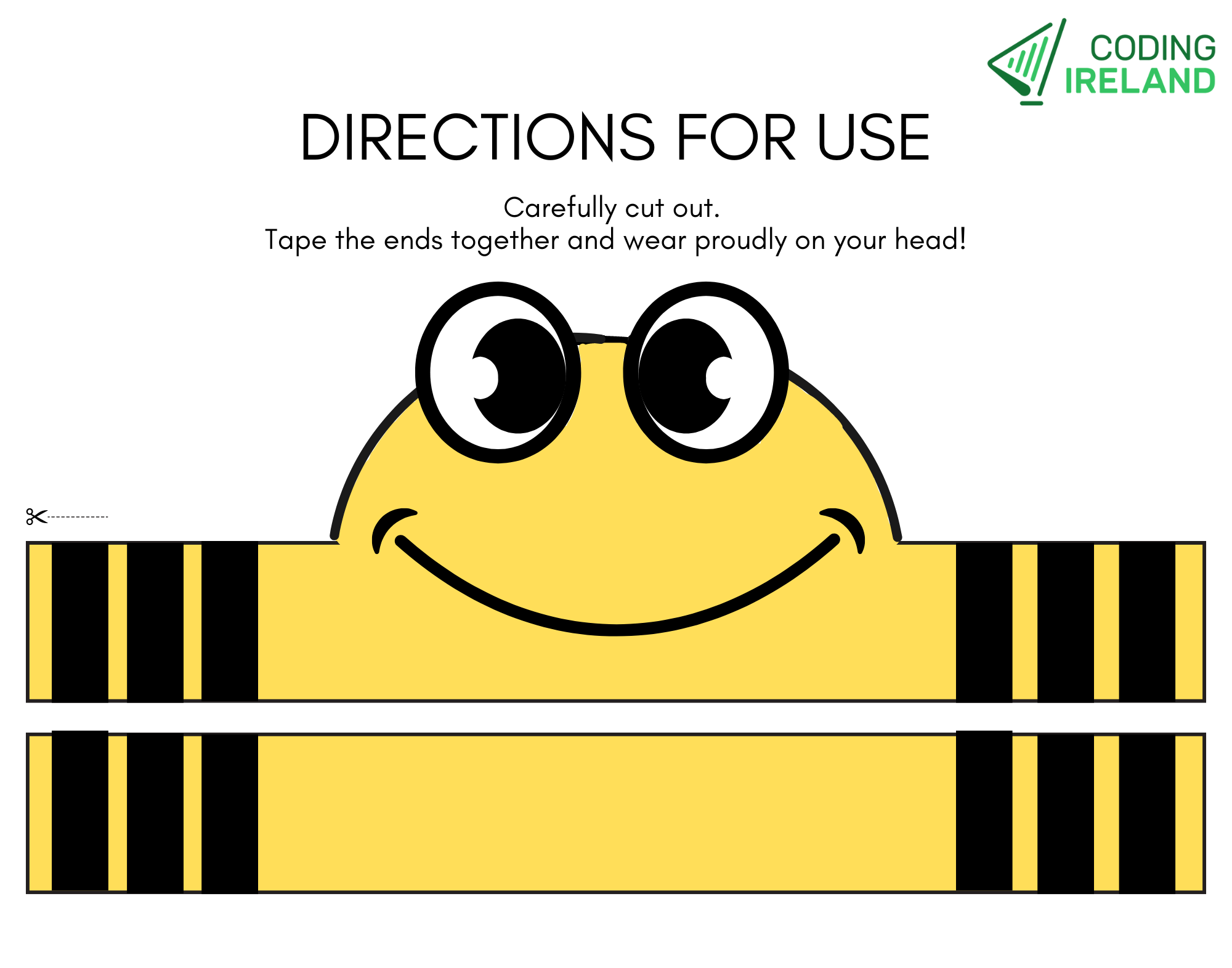
    Download and print our Bee-Bot headband to increase engagement from your students!

    3 - Bee-Bot Recap

    Have the students practice the Bee-Bot game from the previous lesson to reinforce the concepts of how the Bee-Bot moves. This will help solidify their understanding of turning and moving forward, ensuring they’re comfortable with the basic commands before progressing further.


    Download and cut out the Bee-Bot Directional Cards, as well as the Bee-Bot Flower Resources for your class ➡️.

    Explain to the students that now they will be using actual Bee-Bots to follow directions and plant flowers on the mat. They’ll be given specific directions cards to follow, and each time the Bee-Bot stops, they will place a flower printout on that square.

    Lay out the mats on the floor (The size of the mats is up to the teacher). Hold up a few direction cards and explain what each one means, such as “Move forward two steps,” “Turn left,” or “Move forward one step.”

    Place a Bee-Bot on the mat at the centre edge section of the mat and demonstrate how to input commands from a direction card. For example, show the card “⬆️⬆️⬆️,” press the forward button three times on the Bee-Bot, and then press go. When the Bee-Bot stops, place a flower printout on that square to mark its spot.

    Next, divide the students into small groups, giving each group a Bee-Bot, a mat, direction cards, and flower printouts. Have the groups take turns programming the Bee-Bot to move to different squares by following the directions on the cards. After the Bee-Bot moves, they should place a flower printout on the square where it stops, creating a path of flowers as they go.


    5 - Wrapping Up

    In this lesson, students practiced programming their Bee-Bots to follow specific directions and navigate a grid while placing flower printouts on each stop. This activity reinforced their understanding of directional commands and sequencing, which are fundamental skills in coding.

    By following step-by-step instructions and seeing the immediate results of their inputs, students gained hands-on experience with the logical thinking and problem-solving processes that are essential for coding.

    DigitalSkills.org · Online learning platform

    Unlock the full learning experience

    You're previewing this lesson. Get full access to this lesson and hundreds more — each one ready to teach, with interactive activities, printable resources and pupil progress tracking built in.

    Hundreds of curriculum-aligned lessons
    Interactive activities in every lesson
    Printable resources & progress tracking
    Copyright Notice
    This lesson is copyright of DigitalSkills.org 2017 - 2025. Unauthorised use, copying or distribution is not allowed.
    🍪 Our website uses cookies to make your browsing experience better. By using our website you agree to our use of cookies. Learn more