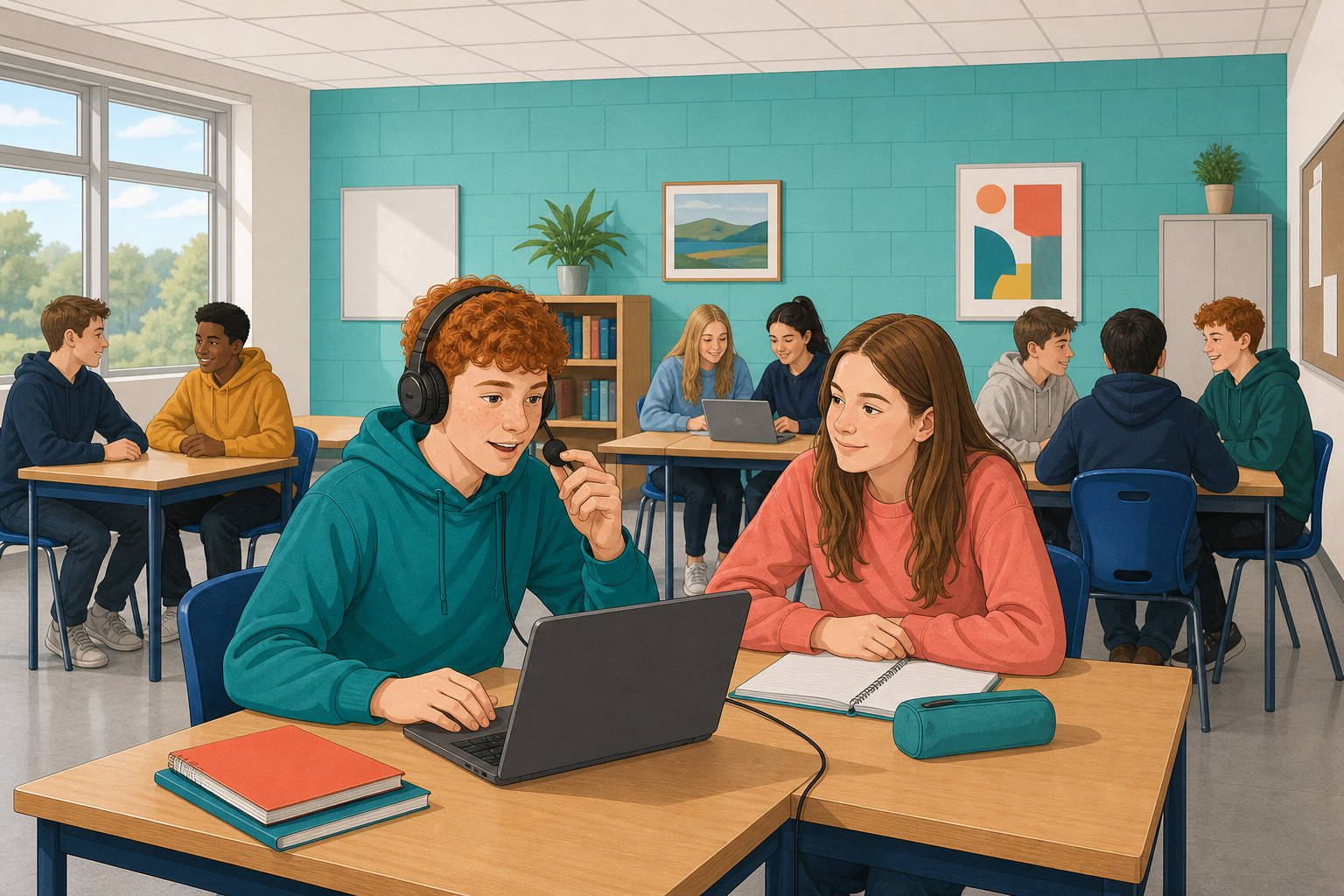
 Your thirty-second clip has music and nothing else. Today you add the thing that turns a clip into a piece of media: a voice.
AudioMass keeps nothing after the tab closes, so load the MP3 you exported last lesson. If you do not have it, the practice clip below takes about four minutes to trim again.
Download the practice audio file (MP3) again, cut the creaking door off the front (about the first 8 seconds), trim it to thirty seconds and fade both ends, as you did last lesson. Last lesson's steps show each move if you need them.
When a voice and music are heard at the same time, the problem is almost never that the voice is too quiet. It is that the music is too loud underneath it.
| What you hear | What is actually wrong | The fix |
|---|---|---|
| Cannot make out the words | Music competing with the voice | Bring the music down under the voice, not the voice up |
| Voice sounds harsh or crackly | Recorded too close to the microphone, or shouting | Record it again a hand's width back from the microphone, in a normal speaking voice |
| The music drowns your first word | The voice starts on a loud part of the music | Drag your voice a second to the right, or turn the music down further |
Turn the music down, not the voice up. In AudioMass the music and your voice each sit on their own channel, a separate row with its own volume, and each channel's volume only goes up to 100%, so the way to make room for a voice is to bring the music down.
Record a short line of your own and lay it over the music. Keep it to one or two sentences: a title, an introduction, or a line that sets the scene.
Open AudioMass at audiomass.co. It ends in .co: audiomass.com is a different site, full of adverts.
Plan the words first and say them once out loud. Recording while deciding what to say is what produces thirty seconds of “um”.
Now make the two work together: the voice clear, the music present but underneath it.
Export it, then listen to the exported file rather than the editor.
Unlock the full learning experience
You're previewing this lesson. Get full access to this lesson and hundreds more — each one ready to teach, with interactive activities, printable resources and pupil progress tracking built in.
This lesson is copyright of DigitalSkills.org 2017 - 2025. Unauthorised use, copying or distribution is not allowed.