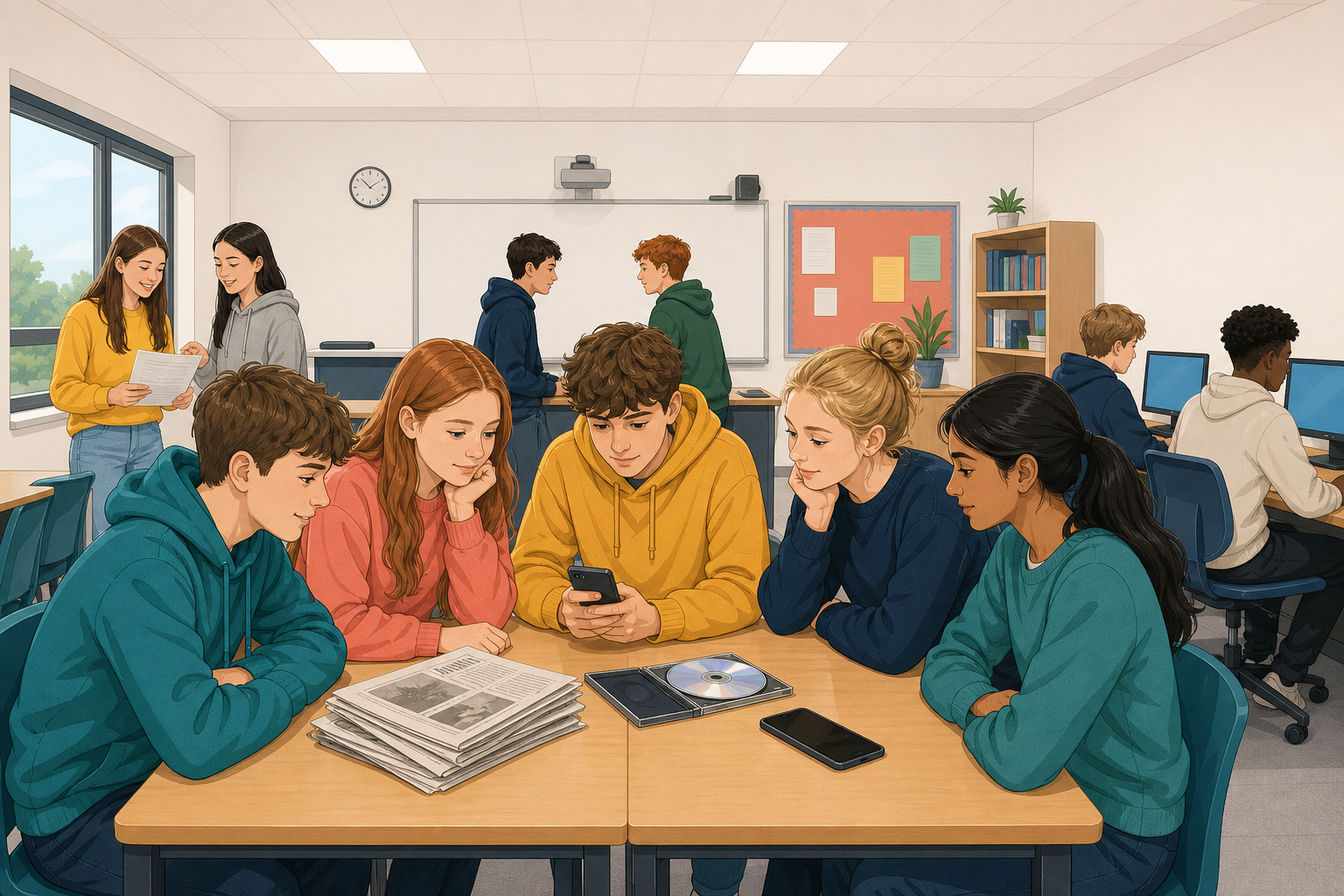
 Today you will look closely at digital content.
What makes digital content different from traditional content, the kind that comes on paper, on CDs or in handwritten letters?
- You will compare three matched pairs. Each pair shows the same thing in a traditional version and a digital version, and you will name what digital adds and what that changes.
- Then you will think the same way about content you use yourself.
 Traditional content stays the same once it is made. A printed newspaper, a CD or a letter is the same every time you look at it.
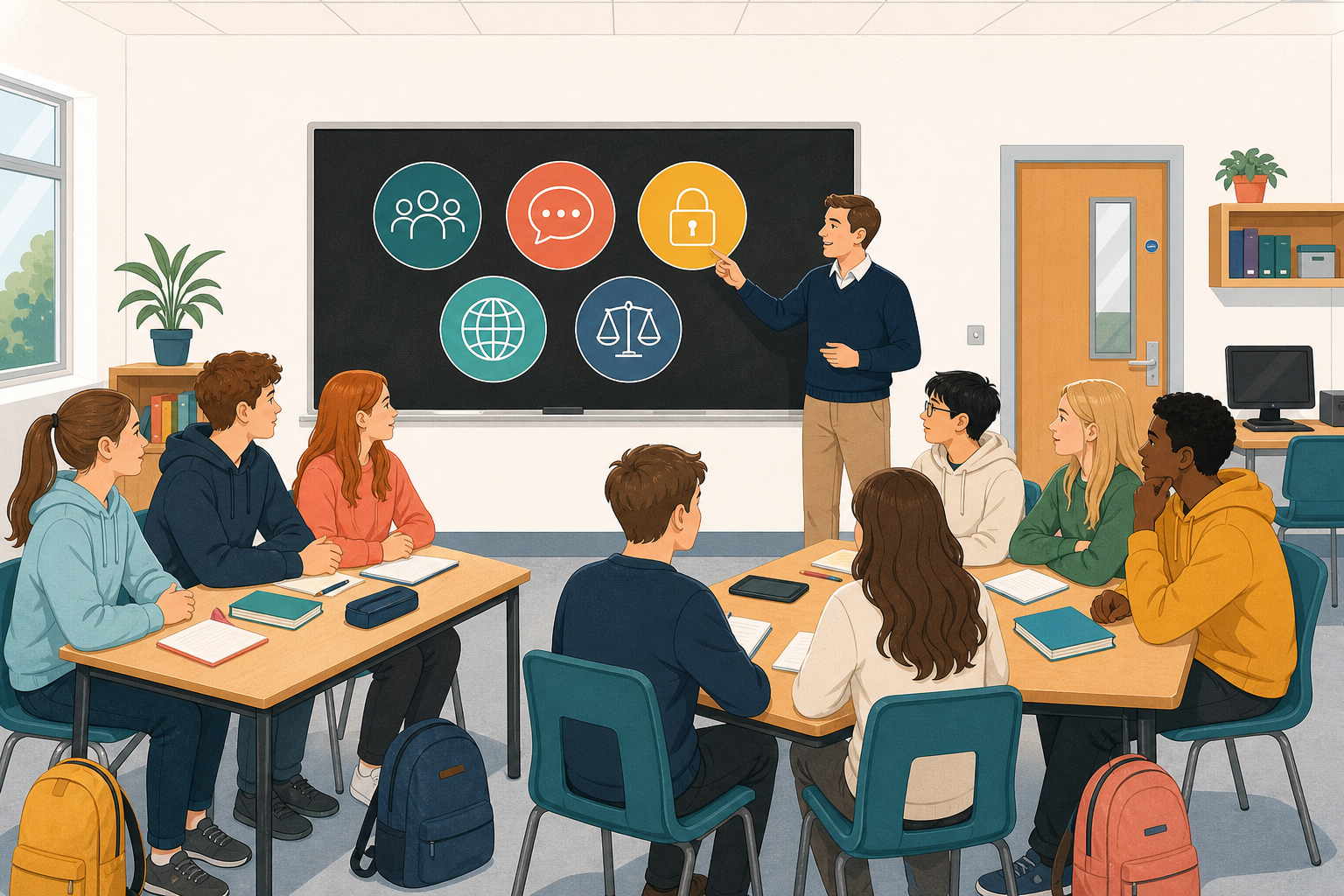
Digital content is not better or worse. It is different, and today you will use five ideas to name the differences:
- Interactivity: can you do something with it?
- Sharing: how easily does it spread?
- Updating: can it change after it is out?
- Data: does it collect or leave information about you?
- Reach: how far and how fast can it travel?
These five words will stay on the board all lesson.
Work with a partner. For each pair, compare the two versions using the five ideas on the board, and write what digital adds and what that changes, like this:
Digital adds ___ (name the idea). That changes ___.
Be ready to explain one answer out loud.
First, as a class
Your teacher will do Pair B with you first.
| Traditional: a CD bought or borrowed | Digital: a streaming playlist |
|---|---|
| Track order is fixed | Tracks can be reordered and shared with friends |
| No automatic suggestions | The platform suggests new songs, and the playlist can be changed at any time |
| No record of what you listened to beyond your own memory | The service keeps a record of everything you play, and one link can send the whole playlist in seconds |
Your first pair
Now do Pair A and write at least two lines. On the news app, "personalise" means the homepage shows news picked to suit you.
| Traditional: a free weekly paper left on the kitchen table | Digital: a free news app on a phone |
|---|---|
| Fixed pages, same for every reader | Stories reorder through the day; push notifications arrive |
| No comments, no related stories, no login | Comments and share on one article; a login may personalise the homepage |
| If a correction is needed, it waits for next week’s edition | The same story can be edited after it first appeared |
Start this only when you have two lines for Pair A.
| Traditional: a letter posted to one person | Digital: a group chat with several people |
|---|---|
| Private by default and slow | Messages arrive instantly; anyone in the group can reply |
| Hard to copy to many people at once | Screenshots and forwards make the content easy to share beyond the original group |
| Once sent, it cannot be edited or unsent | Messages can often be edited or deleted after sending, and the app may show who has read them |
"Private by default" means a letter stays private unless someone chooses to show it.
Write at least two lines for Pair C with your partner.
Share
Then the class puts one example under each idea in the grid below.
What the digital side adds
Now you will make your own digital content, a short notice, in the activity below.
Each picture in the library says if it is free to reuse, needs a credit, or cannot be used. One picture will refuse to go in. That is meant to happen, so choose another. At the end, open Credits and add a credit, a line saying who made it, for any picture that needs one.
Your work saves as you go. When you finish, use the download button to keep a copy as a picture, and then press Send to Teacher under the activity. Your teacher will put some of them on the board in a minute.
Publish it digitally
Unlock the full learning experience
You're previewing this lesson. Get full access to this lesson and hundreds more — each one ready to teach, with interactive activities, printable resources and pupil progress tracking built in.
This lesson is copyright of DigitalSkills.org 2017 - 2025. Unauthorised use, copying or distribution is not allowed.