 Earlier you looked at whose work something is and when to give credit. Today you will look at privacy and other people's personal information.
You will sort some everyday sharing situations, and work out when you need someone's consent, which means their clear yes, before you put something about them online.
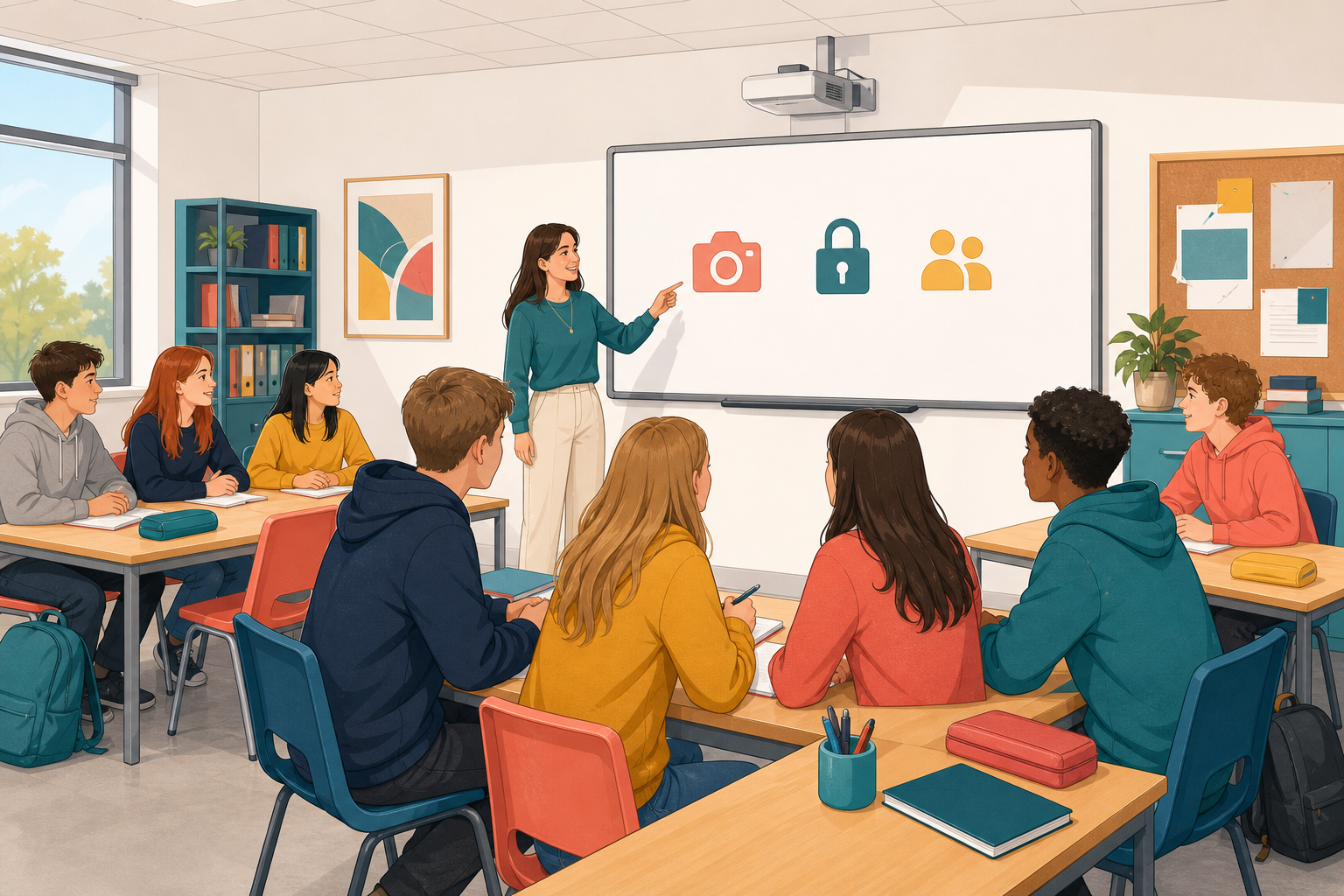 Read this made-up story, then discuss it as a class.
Aoife films her friend Conor slipping on the wet footpath outside the school gate. The clip is funny, and Conor is laughing at the time. That evening, Aoife wants to put it on a story that her whole year group can see.
- Who is in the clip?
- Did they clearly agree to it being shared with these people?
- What could go wrong if it spreads further?
Personal information is anything that can identify someone or is private about them, like their name, face, school, location or messages.
Consent means a person freely and clearly says yes to something being shared, knowing who will see it and where it will go.
If you are in a photo, clip or chat screenshot, you have a say in whether it is shared, even if you did not post it.
Sort each made-up sharing situation in the activity below into one of three boxes: Fine to share, Ask first, or Never without clear consent.
Work with a partner and agree on a box for each card. You have 4 minutes for this. For each card, ask the three questions from Examine and discuss. Who is in it? Did they agree to it being shared? What could go wrong if it spreads further? In the next step, everyone gives their own answer in Class Play.
Each card has a best answer, but your reasons matter most, so be ready to explain your choice when the class sees how everyone answered.
Whose consent do you need?
Now the class plays the same three situations. Each of you answers on your own device, but your points go to your table's score, so you can talk quietly with your table first if you like.
Choose a box and say how sure you are: just checking, fairly sure or certain. The surer you are, the more points you can win if you are right, and the more you lose if you are wrong. You can change your answer until the time is up.
When the round closes, the board shows how the class split and which box is right. Then your teacher will ask some of you why.
Class Play
Now make a post in the activity below. Choose one of its pictures that should not go public as it is, and edit it until it could.
Each picture says whether it is free to reuse, needs a credit, or cannot be used. One of them will not let you use it, and that is meant to happen. At the end, open Credits in the activity and add a credit for any picture that needs one.
Your work saves as you go. When you finish, use the download button to keep a copy as a picture, and then press Send to Teacher under the activity. Your teacher will put some on the board.
Make it shareable
Unlock the full learning experience
You're previewing this lesson. Get full access to this lesson and hundreds more — each one ready to teach, with interactive activities, printable resources and pupil progress tracking built in.
This lesson is copyright of DigitalSkills.org 2017 - 2025. Unauthorised use, copying or distribution is not allowed.