Today you're a game programmer. The people who make the games you play don't write everything perfectly the first time — they build a small piece, run it, and watch what happens. When something goes wrong, that's called a bug, and finding and fixing it is a huge part of the job.
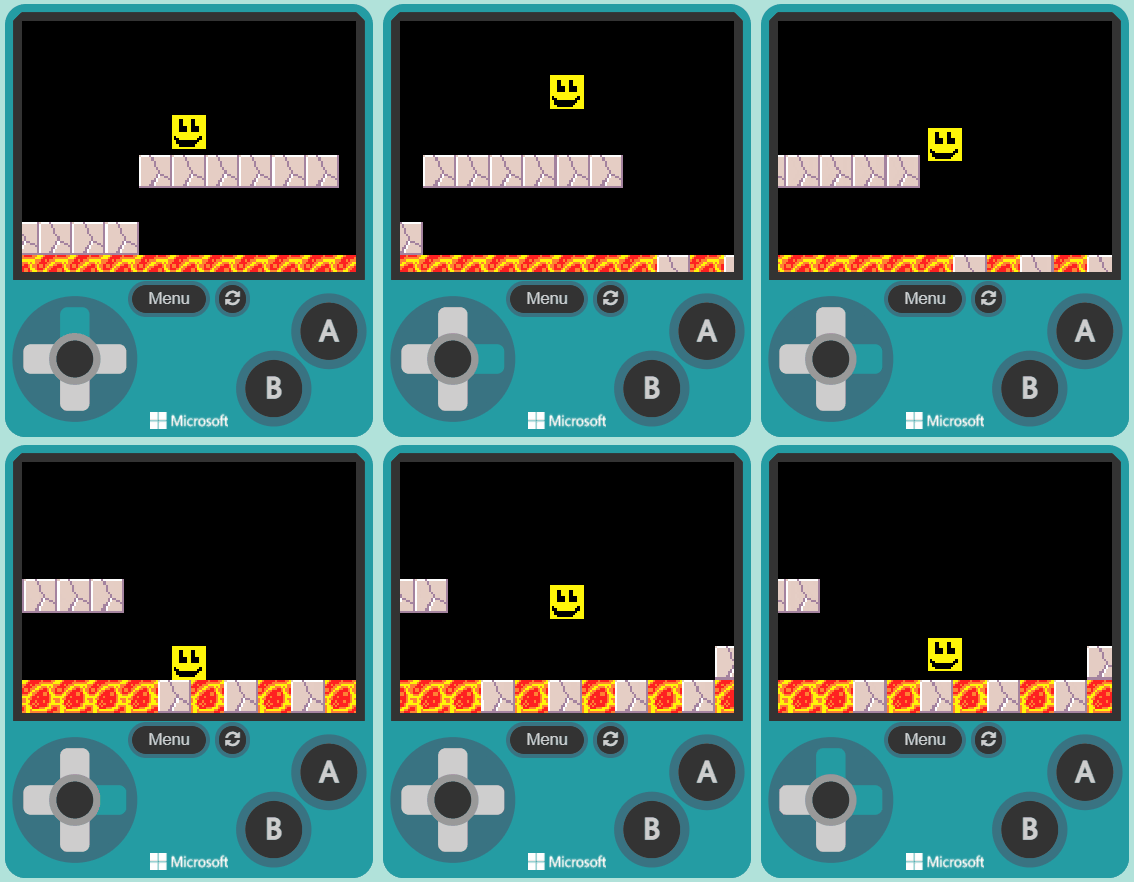
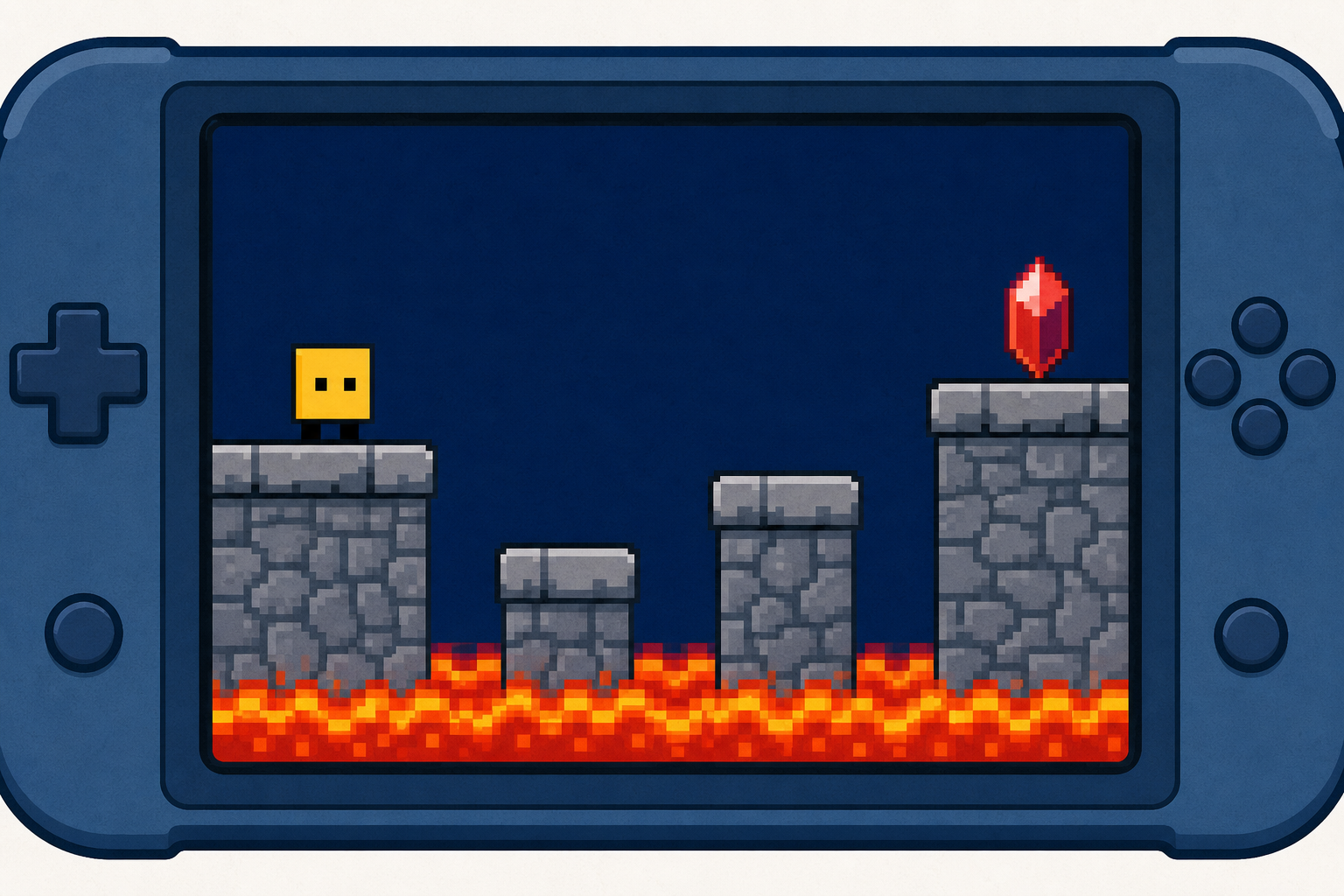
We're going to build a platform game where you guide a character across ledges to reach a goal — while dodging danger. Watch the board as we model each piece, then build it on your own device and press play to see what it does. Keep your Investigation Journal handy, because you'll be catching at least one bug today.
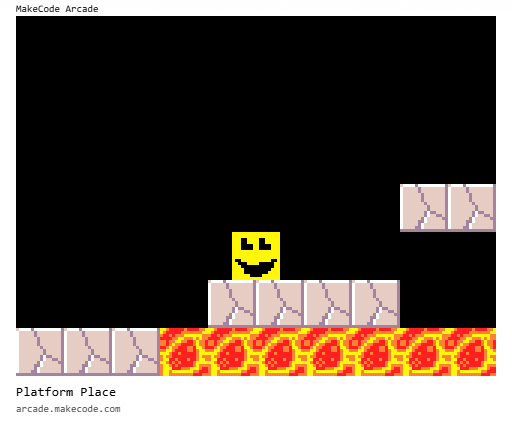
Platform games (often simplified as platformer or jump 'n' run games) are a video game genre of action games in which the goal is to move the player character between points in an environment. Platformers use in jumping and climbing to navigate the player's environment and reach their goal. Levels and environments feature uneven terrain and suspended platforms of varying height that requires use of the player character's abilities in order to traverse them.
Go to the arcade.makecode.com website and create a new project.
Create a new Arcade project using the makecode.com website.
In this game you will control a sprite and move it from the start of the map, to the goal at the end.
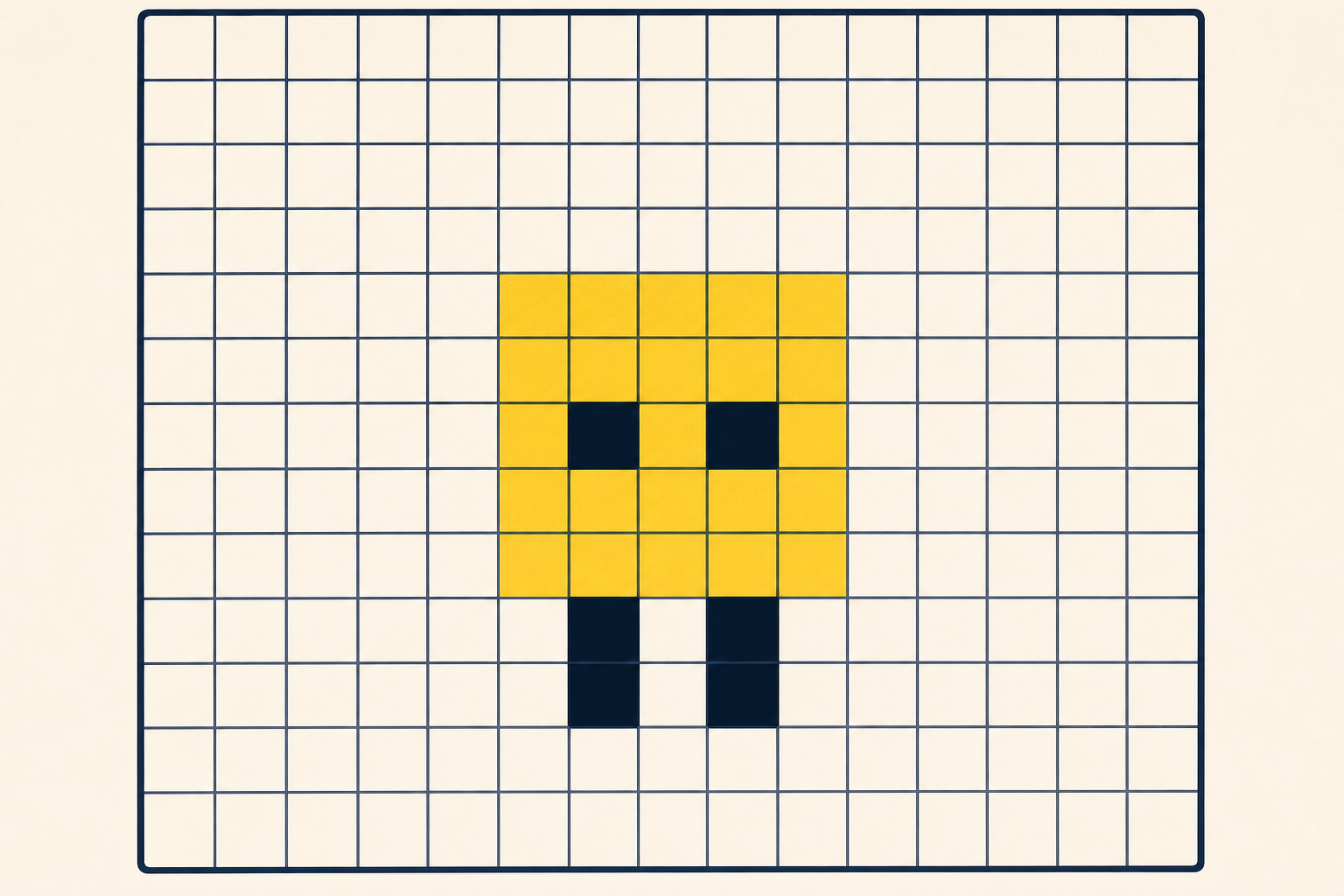
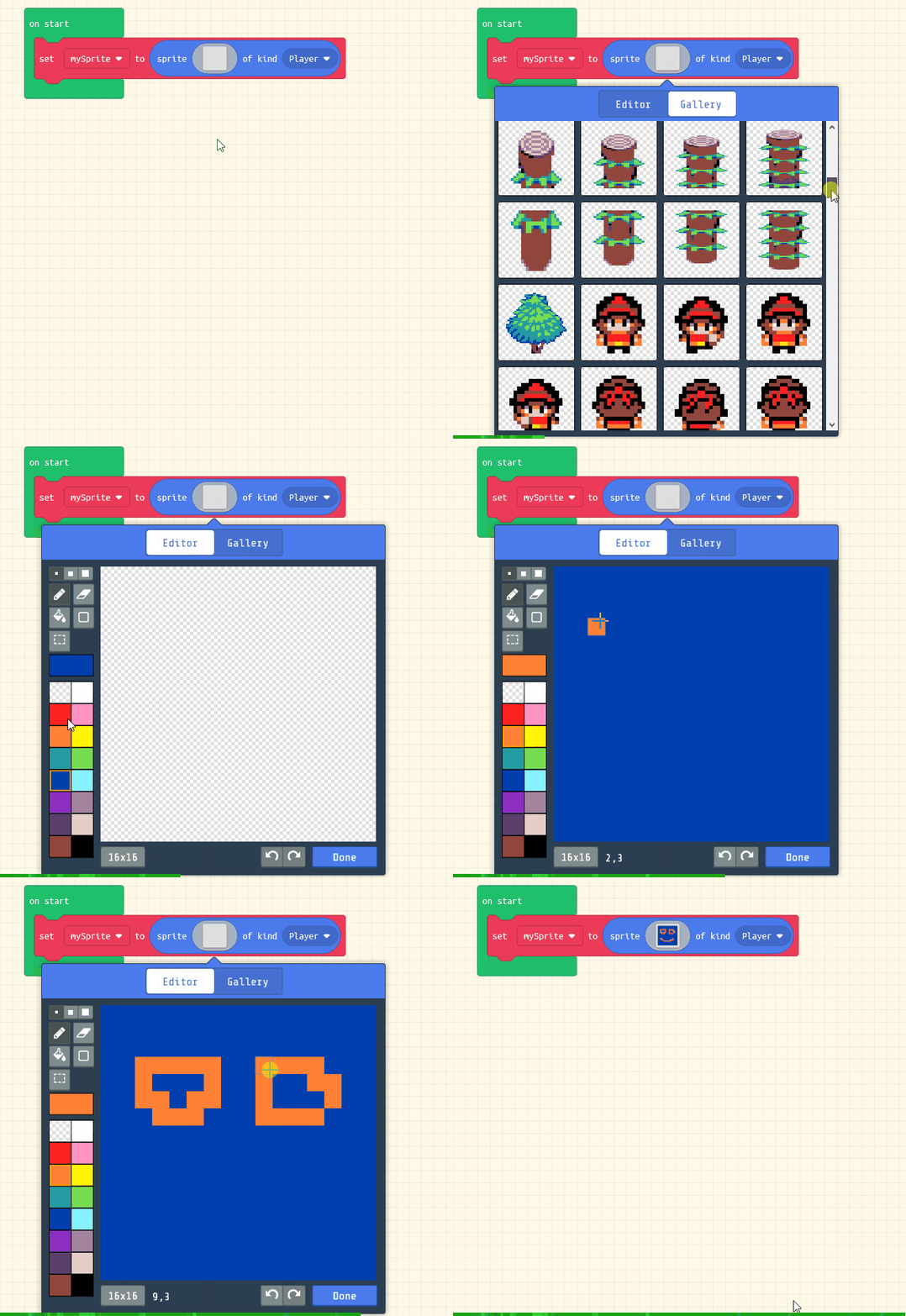
Add the following code to your project to create your sprite and use the sprite editor to design your character.
let mySprite = sprites.create(img`
5 5 5 5 5 5 5 5 5 5 5 5 5 5 5 5
5 5 5 5 5 5 5 5 5 5 5 5 5 5 5 5
5 5 5 f f 5 5 5 5 f f 5 5 5 5 5
5 5 5 f f f f 5 5 f f f f 5 5 5
5 5 5 5 5 5 5 5 5 5 5 5 5 5 5 5
5 5 5 5 5 5 5 5 5 5 5 5 5 5 5 5
5 f 5 5 5 5 5 5 5 5 5 5 5 f 5 5
5 f f 5 5 5 5 5 5 5 5 5 f f 5 5
5 5 f f f f f f f f f f f 5 5 5
5 5 f f f f f f f f f f 5 5 5 5
5 5 5 f f f f f f f f 5 5 5 5 5
5 5 5 5 5 5 5 5 5 5 5 5 5 5 5 5
`, SpriteKind.Player)
Click on the gray box in the sprite block to open the Editor. You can choose a sprite from the Gallery or you can paint your own sprite using the Editor.
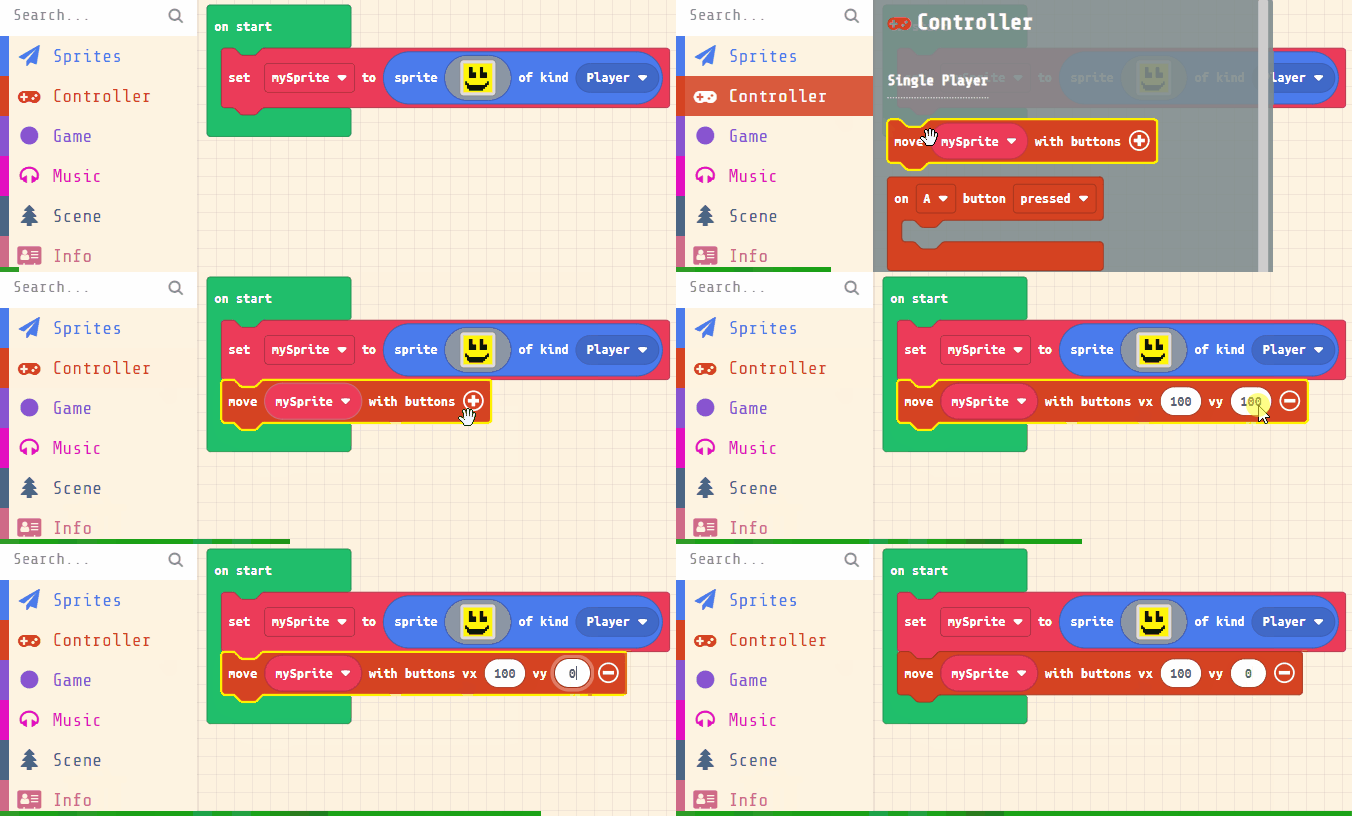
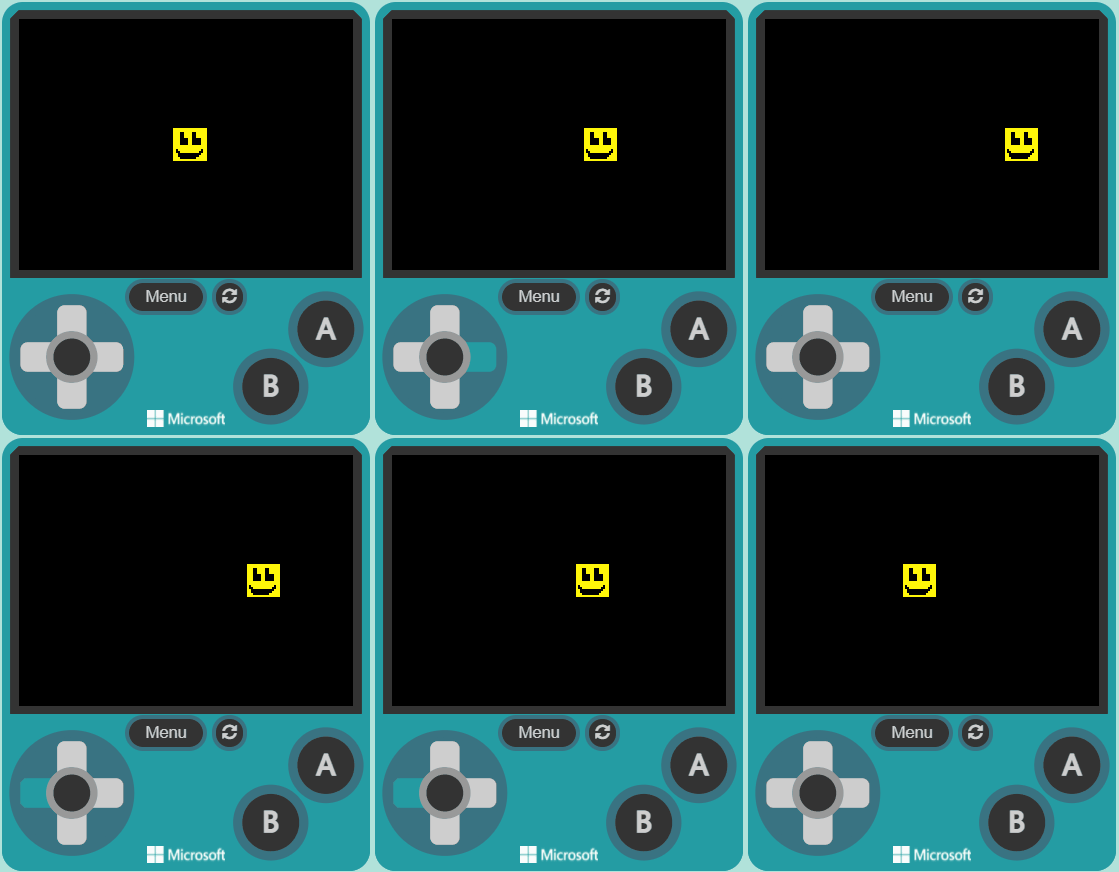
In the game we will use the left and right buttons to move our sprite.
Add the following new code:
let mySprite = sprites.create(img`
5 5 5 5 5 5 5 5 5 5 5 5 5 5 5 5
5 5 5 5 5 5 5 5 5 5 5 5 5 5 5 5
5 5 5 f f 5 5 5 5 f f 5 5 5 5 5
5 5 5 f f f f 5 5 f f f f 5 5 5
5 5 5 5 5 5 5 5 5 5 5 5 5 5 5 5
5 5 5 5 5 5 5 5 5 5 5 5 5 5 5 5
5 f 5 5 5 5 5 5 5 5 5 5 5 f 5 5
5 f f 5 5 5 5 5 5 5 5 5 f f 5 5
5 5 f f f f f f f f f f f 5 5 5
5 5 f f f f f f f f f f 5 5 5 5
5 5 5 f f f f f f f f 5 5 5 5 5
5 5 5 5 5 5 5 5 5 5 5 5 5 5 5 5
`, SpriteKind.Player)
controller.moveSprite(mySprite, 100, 0)
You're previewing this lesson. Get full access to this lesson and hundreds more — each one ready to teach, with interactive activities, printable resources and pupil progress tracking built in.