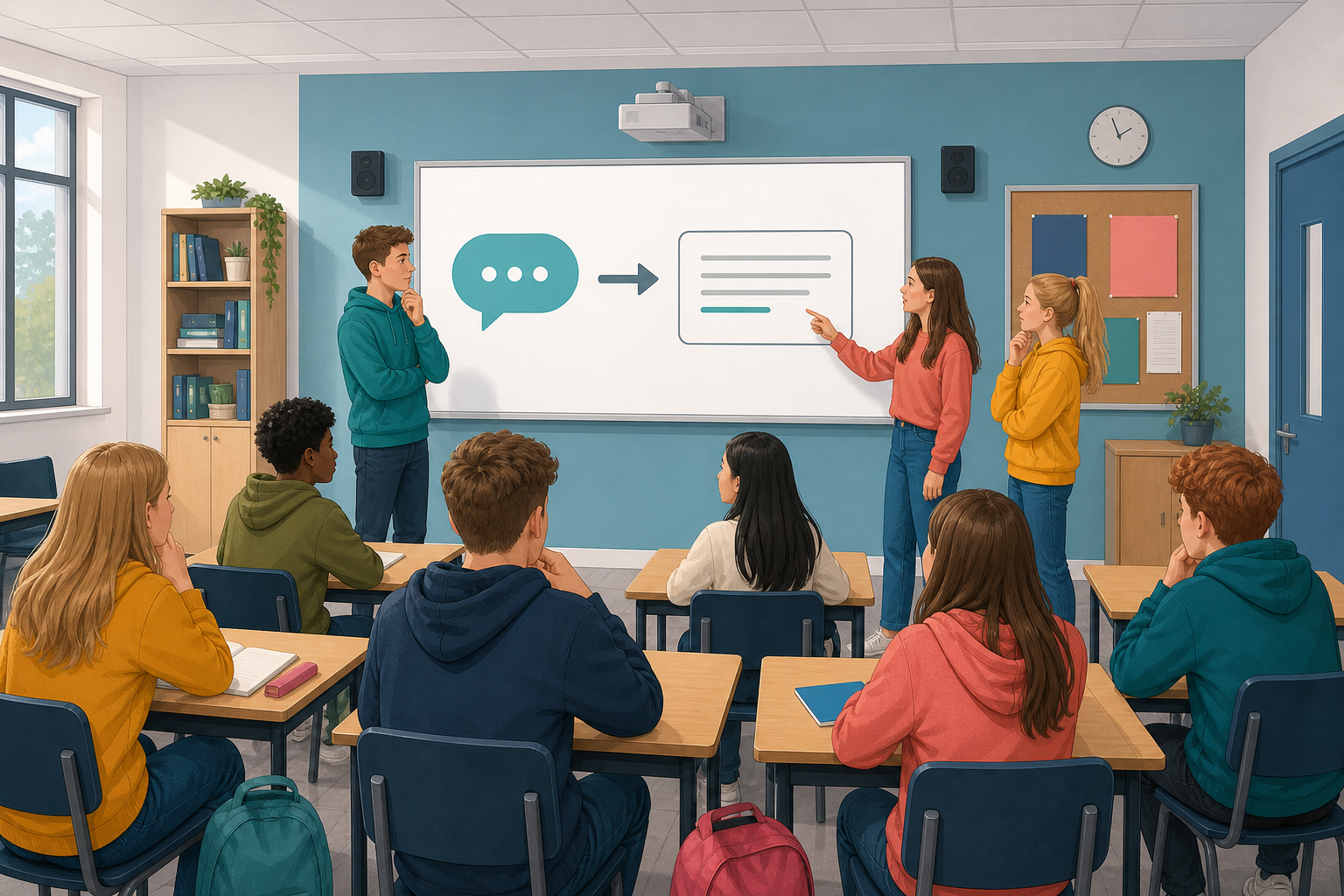
 Today's lesson is about AI chat tools, which write answers that sound like a person wrote them.
Before we start, think of two things to share:
- One way AI chat tools can help with schoolwork
- One way they can mislead you in schoolwork
By the end, you will be able to explain how these tools work, and you will decide whether to trust, verify or reject some made-up AI answers.
 A large language model is the engine inside most AI chat tools, and it has learnt from huge amounts of text how words usually follow each other. When you ask a question, it predicts the next word, which means it guesses which word is most likely to come next. Then it adds that word, guesses the next one, and keeps going until the answer is finished.
That is why its answers sound confident. It does not look up facts, so it sounds as sure when it is wrong as when it is right.
Think about what would make you trust an AI answer, or check it first.
First, your teacher will go through one example with the whole class. Read the AI answer below and look for tells, which are clues in the way an answer is written. Then choose one verdict, which means your decision about the answer:
- Trust it for now
- Verify it, which means check it before you use it
- Reject it, which means do not rely on it
Student question: How do I credit a webpage I used in a school project?
AI answer: List the page title, the site or organisation name if you can find it, the full link, and the date you looked at it. Put that information in a short credit line or bibliography entry (a line in the list of sources at the end of your work) so a reader can find the same page. Check whether your teacher wants a particular layout, because schools often have their own format.
Our call, once the class has made its own
Trust it for ordinary school use. The steps match normal good practice, it does not invent a fake rule, and it flags that school formats can differ.
When the class has chosen, your teacher will open "Our call" to show this course's verdict.
Do not click on the three answers in the activity below yet. You will judge them in the class poll in the next step, and clicking now would show the reasoning straight away.
AI answer audit
Now everyone votes on the three answers, using their own device.
Everyone votes on every answer. There is no score and no time limit. When the whole class has voted, the board shows how the class split, and then it shows the reasoning. After the discussion, your teacher may open the vote again to see who has changed their mind.
- Read each answer and make your choice.
- When the reasoning comes up, compare it with your own reason.
Being able to say why you chose matters more than getting it right, because the reasons are what you are here to learn.
Class Poll
On your own, look back at the AI answers you did not simply trust. For each one, write one clear check you would do before using it. Write in Enter Your Work at the bottom of this step, which has a table ready for you, so your teacher gets your checks.
Before you finish, make sure that:
- you have listed every answer you marked verify or reject
- beside each one, you have written one clear check, for example looking up the date in a second source, searching for the named study, asking a teacher or opening a trusted reference page
- for at least one answer, you have said where you would look, such as a person, a type of website or a kind of record, and not just that you would check
- you can say in one sentence why sounding sure is not enough
Unlock the full learning experience
You're previewing this lesson. Get full access to this lesson and hundreds more — each one ready to teach, with interactive activities, printable resources and pupil progress tracking built in.
This lesson is copyright of DigitalSkills.org 2017 - 2025. Unauthorised use, copying or distribution is not allowed.