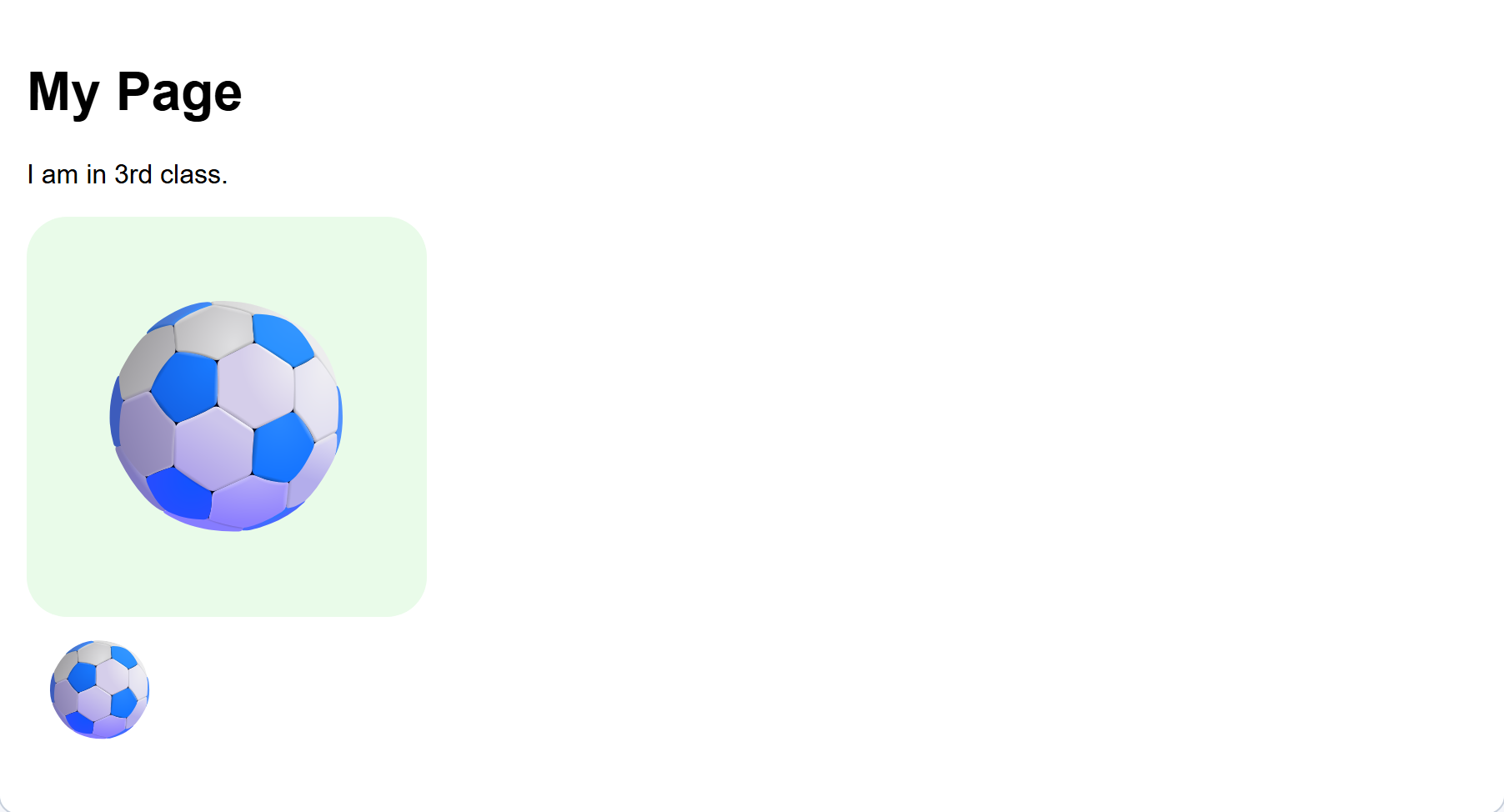
Today you make a real web page, and it is all about you.
By the end of the lesson your page will have:
- your name in big words at the top
- a sentence about you
- a picture you pick
- an emoji
You build it by snapping blocks together, a bit like Scratch.
A web page is a page you open on a computer, a tablet or a phone.
You have opened hundreds of them. Think of:
- your school's own website
- the page that tells you the weather
- a page about your favourite team or animal
- the place you watch cartoons or play a game
Every one of those has words on it, and pictures, and things you can click.
Somebody made every single one. They did not just appear. Today you are the somebody.
Before you build anything, find your way around.
- Open the interactive activity below.
- Click Your web page.
- Click Blocks to come back.
Check: you have one blue page block waiting for you, and Your web page is empty. That is right, you have not built anything yet.
Interactive activity
Your page needs your name at the top, in big letters.

This is the block you need:
{"blocks": {"languageVersion": 0, "blocks": [{"type": "wp_heading", "fields": {"TEXT": "Aoife", "COLOUR": "default", "SIZE": "normal", "ALIGN": "left"}}]}}- Click Content on the left.
- Drag a heading block into the blue page block.
- Click its white box and type your name.
- Click Your web page.
Check: your name is at the top of the page, in big letters.
If it did not work: your page still looks empty, so the heading is beside the blue page block instead of inside it. Drag it again until it clicks in.
Interactive activity

Stop and make sure it worked before you add anything else.
- Click Your web page.
- Look for your name in big letters at the top.
Check: you can see your name. If you cannot, go back to Blocks: your heading is outside the blue page block, and it needs to be inside it.
Interactive activity
Unlock the full learning experience
You're previewing this lesson. Get full access to this lesson and hundreds more — each one ready to teach, with interactive activities, printable resources and pupil progress tracking built in.
This lesson is copyright of DigitalSkills.org 2017 - 2025. Unauthorised use, copying or distribution is not allowed.