Today your page gets a list.
A list is the tidy way to show four favourite things without writing four sentences.
By the end of the lesson your page will have:
- a heading for your list
- a list with four things in it
- the things in the order you mean
A list needs two kinds of block.
- The list block is the holder. It goes on the page.
- An item block is one thing in the list. It goes inside the list block.
Four things in your list means one list block and four item blocks.
Both of them live in the List group, not in Content.
Your list needs a name, so a reader knows what it is.
This is the block you need:
{"blocks": {"languageVersion": 0, "blocks": [{"type": "wp_heading", "fields": {"TEXT": "My Top Four", "COLOUR": "default", "SIZE": "normal", "ALIGN": "left"}}]}}- Click Content on the left.
- Scroll to the bottom of your blocks.
- Drag a heading block to the very bottom.
- Click its white box and type something like My Top Four.
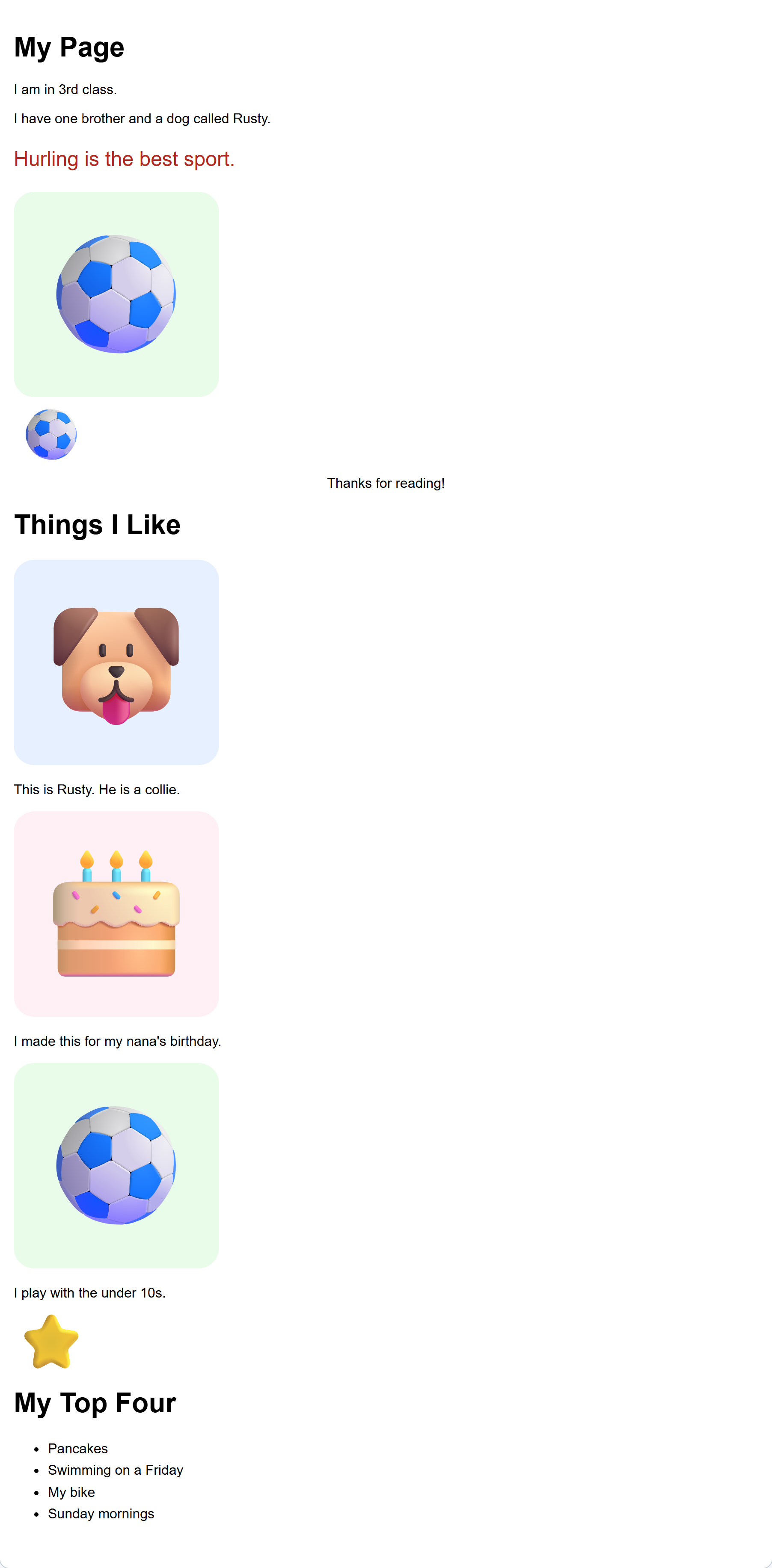
Check: your new heading is at the very bottom of the page.
Interactive activity
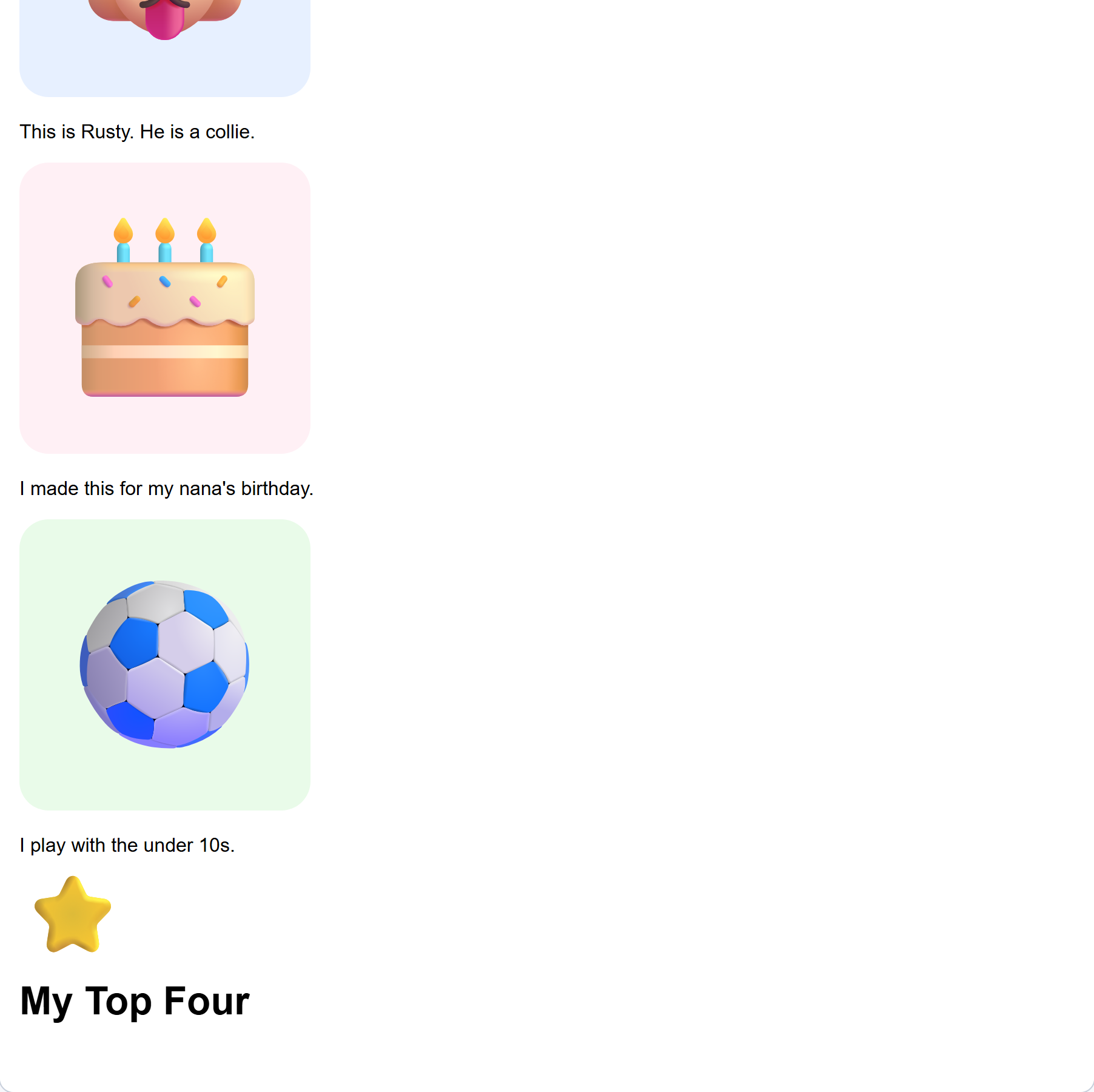
Now the list itself. Watch the page carefully when you add it.
This is the block you need:
{"blocks": {"languageVersion": 0, "blocks": [{"type": "wp_list"}]}}- Click List on the left.
- Drag a list block under your new heading.
- Click Your web page.
Check: nothing appeared. That is not a mistake and you have not broken anything. The list is there, but it is empty, and an empty list has nothing to show.
Interactive activity
Give the list something to hold.
This is the block you need:
{"blocks": {"languageVersion": 0, "blocks": [{"type": "wp_list", "inputs": {"ITEMS": {"block": {"type": "wp_list_item", "fields": {"TEXT": "Pancakes"}}}}}]}}- Stay in List.
- Drag an item block inside the list block, where it opens out.
- Click its white box and type one thing you like.
- Click Your web page.
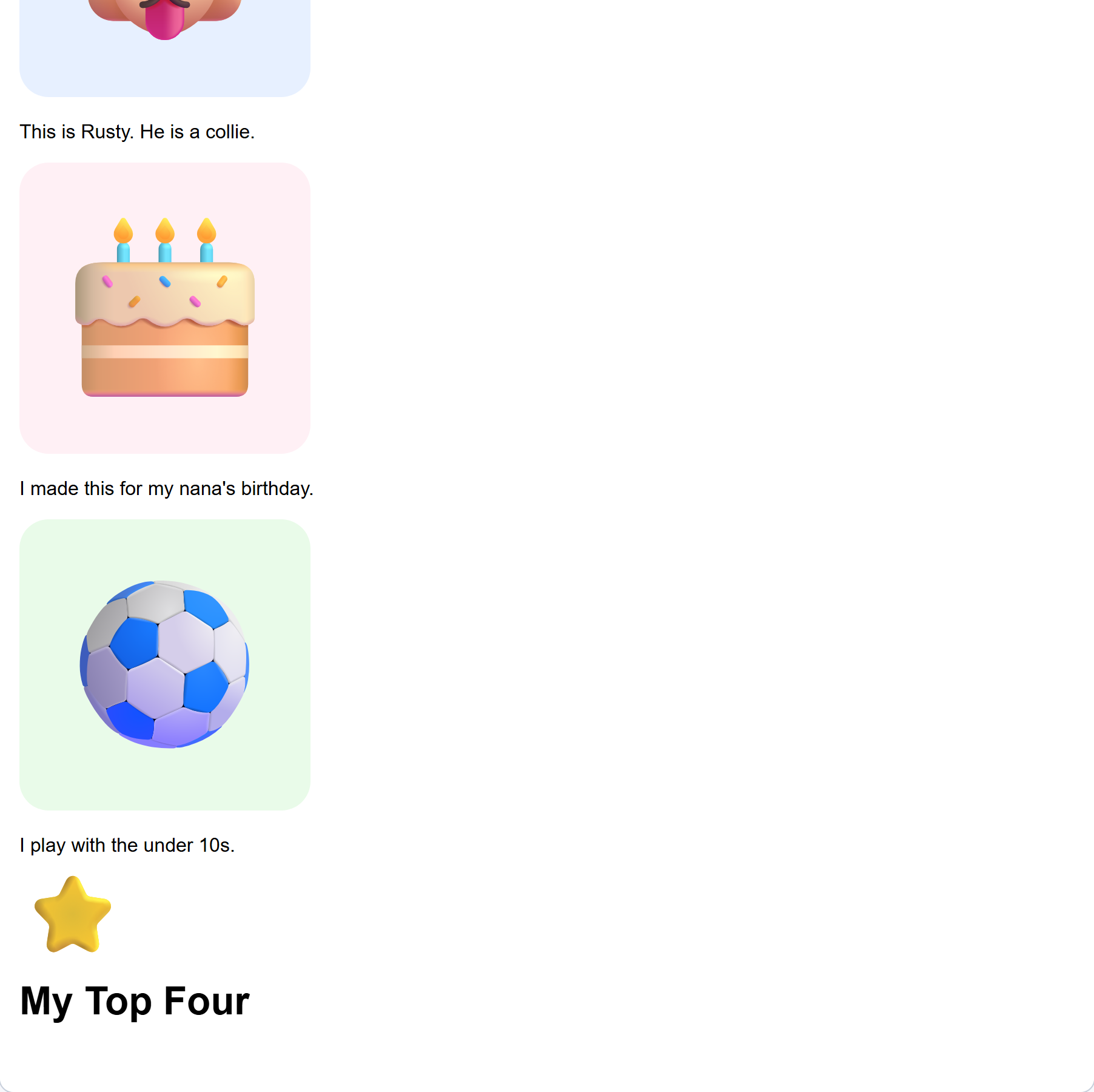
Check: one thing shows in your list.
If it did not work: nothing appeared, so the item is beside the list rather than inside it. Look for it sitting on its own and drag it in.
Interactive activity
Unlock the full learning experience
You're previewing this lesson. Get full access to this lesson and hundreds more — each one ready to teach, with interactive activities, printable resources and pupil progress tracking built in.
This lesson is copyright of DigitalSkills.org 2017 - 2025. Unauthorised use, copying or distribution is not allowed.